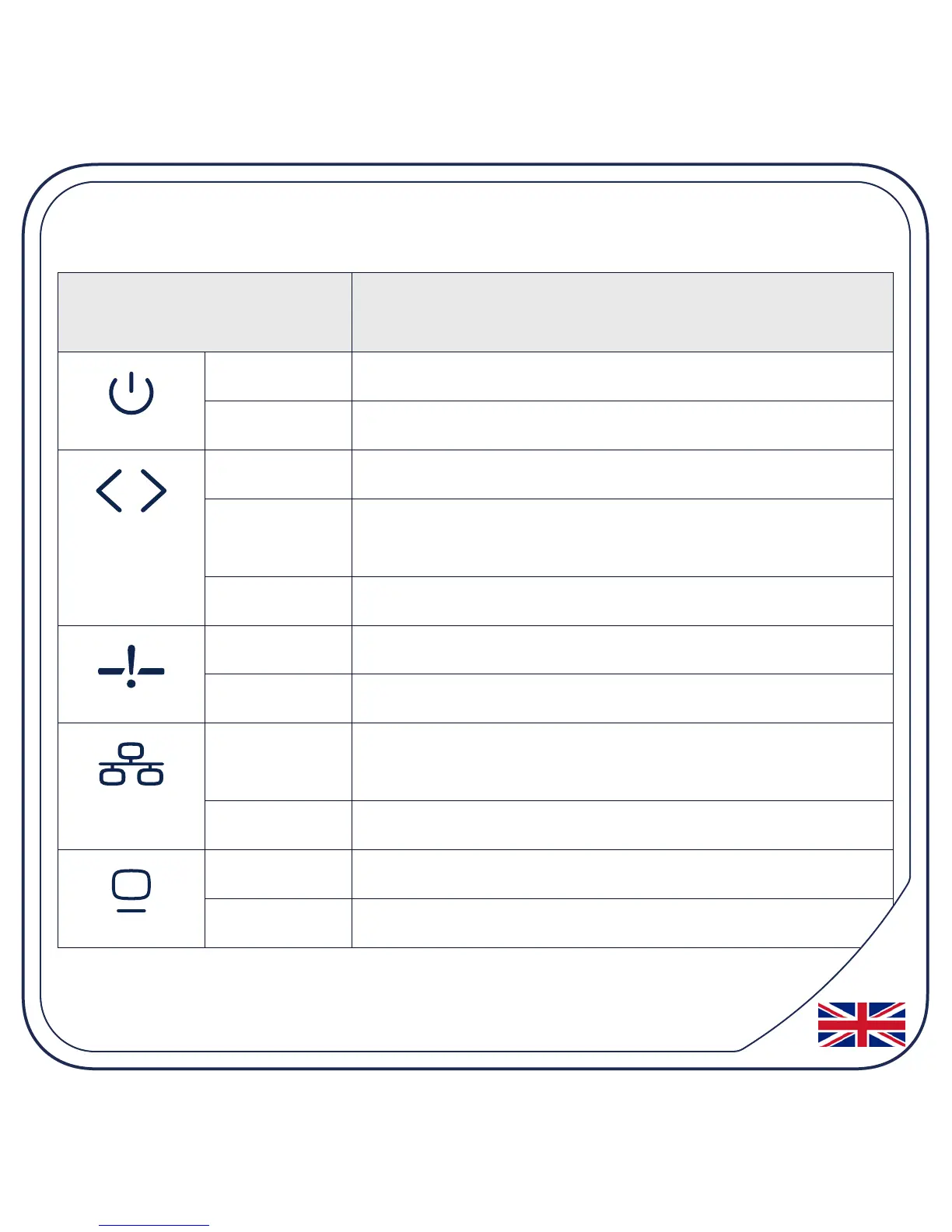
Status LEDs and Troubleshooting
Symbol Meaning
On (green) Device is powered on
Off Device is off
On (green) Uplink signal detected and provisioned
Blinking
(green)
Uplink signal detected and not provisioned
Off No uplink signal present
* On (red) Signal loss - no GPON link detected
Off GPON link is up
On (green) LAN connected. Flashing green indicates
network activity.
Off No LAN connection present
* On (green) CATV module present and enabled
Off CATV not enabled or no signal present


 To Next Page