3
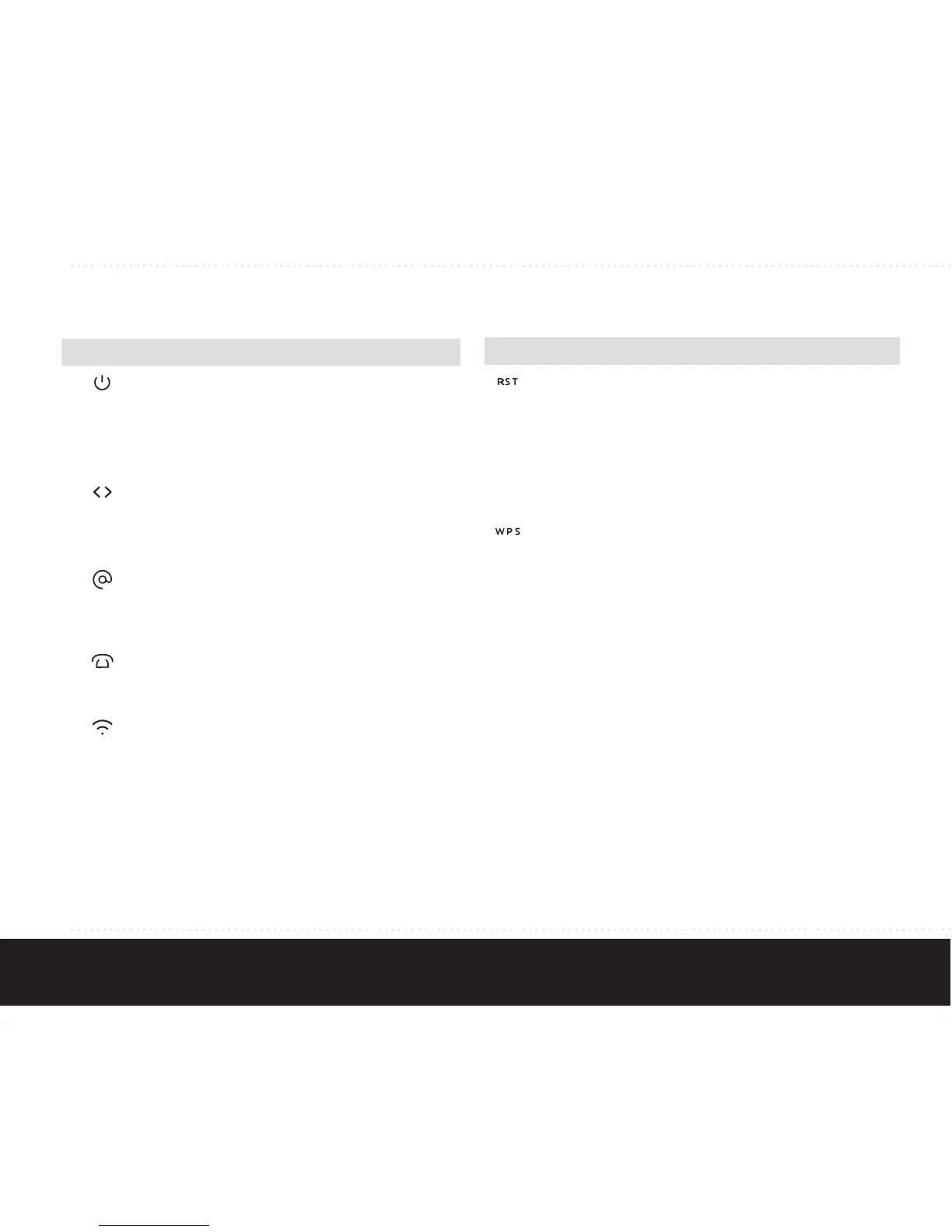
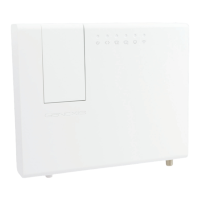
Status feedback LEDS:
Activity Description
On (green)
On (red)
Off
Powered successfully
Flashes during startup
sequence
System error
No power
On
Flash
Off
Successful data uplink
Firmware upgrade /
provisioning initializing
No data uplink
On
Flash
Off
Internet connection enabled
Internet connection
initializing
Internet connection disabled
On
Flash
Off
Phone line enabled
Phone line initializing
Phone line disabled
On
Flash
Off
WLAN enabled
WPS active
WLAN disabled
LAN
ports
Green
Yellow
Blink
1000 Mbps connection
10/100 Mbps connection
Network activity
Buttons:
Function Action
Restart • Press and release button to initiate
restart
Factory
restart
• Press and hold button for more
than 5 seconds
• LEDs will flash
• Release button to initiate factory
restart
WPS
WLAN
control
• Press and release button to initiate
WPS
• Press and hold the button for
more than 5 seconds. WLAN LED
will flash once. Release button to
toggle WLAN on or off


 To Next Page