5
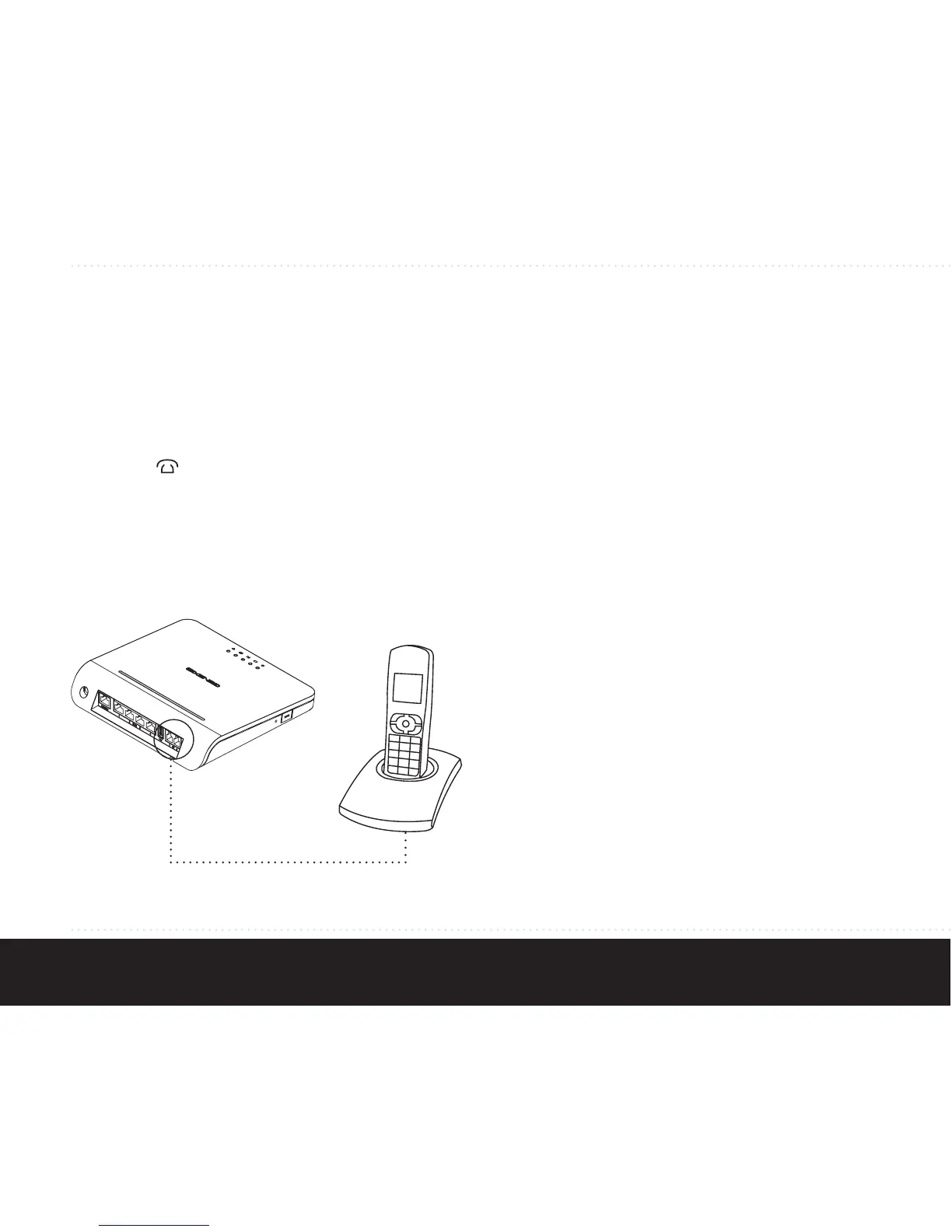
Step 4: Connecting your telephone
This step is only relevant if your Platinum has voice
ports.
A standard analogue telephone handset can be
connected to the active voice ports using an RJ-11
cable. The
LED indicates if voice is enabled and
operating correctly.
Cleaning instructions:
Your Platinum product may be cleaned using a soft,
dry cloth. For areas of persistent dirt, a damp cloth
may be used with mild detergent. Product and LED
logos may be damaged by using aggressive cleaning
products or ethanol-based cleaners - if in doubt do
not clean near these logos. Under no circumstances
allow water or cleaning fluid to ingress the product,
as this may cause permanent damage and prevent
correct operation.


 To Next Page