English
9
OFF".
You can press the “Mode Display Button” to restart the camera.
※The following features will automatically save the configuration before turn off the
camera unless you ever selected "Reset Default" to restore its factory anticipated
settings.
1.Resolution
2.Quality
3.OSD Language
4.White Balance
5.EV Compensation
6.TV-Out
7.Light Frequency
8.PC Mode
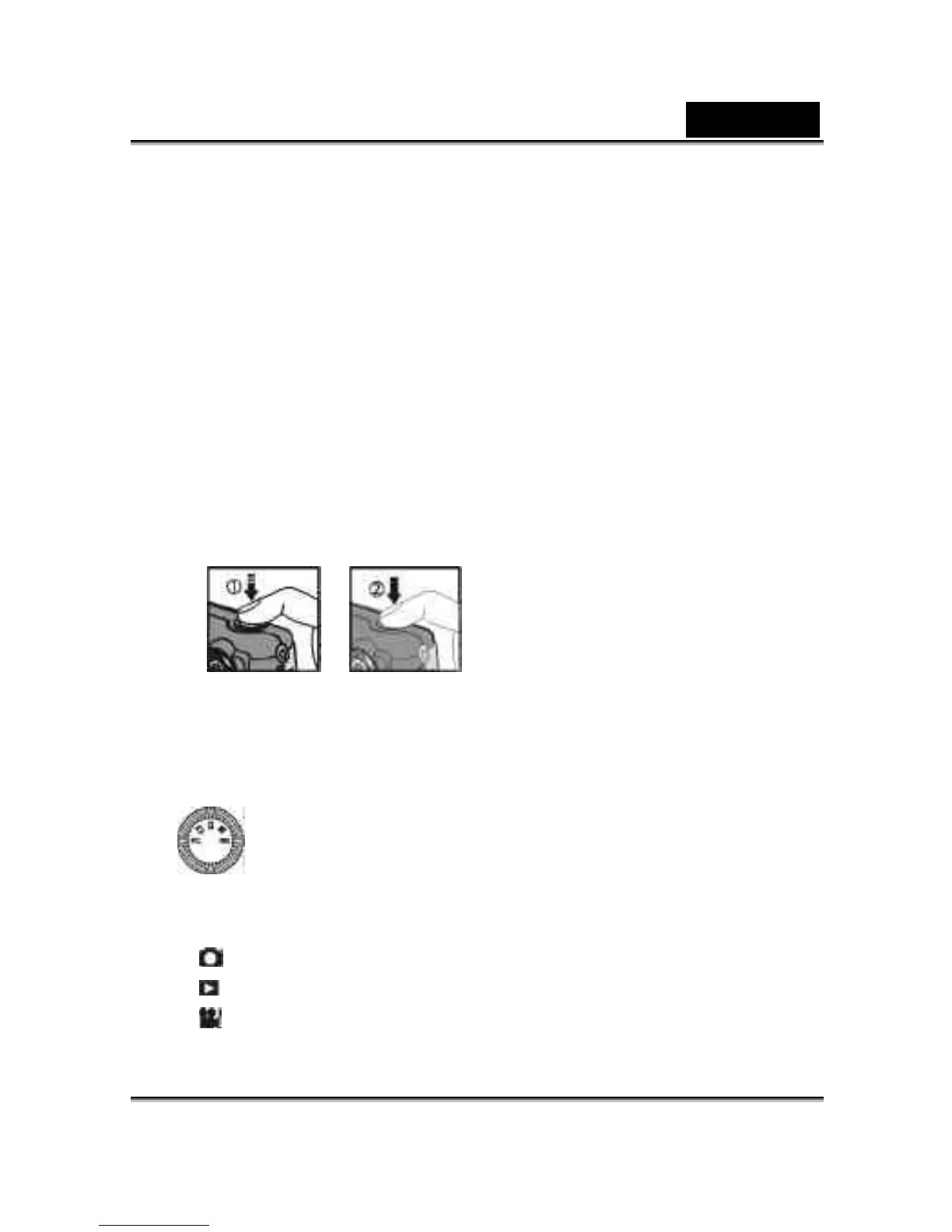
3-4 Shutter Button
This camera is designed for 2-step shutter function. A "[ ]" mark will appear on the
center position on the LCD monitor when you press and hold the Shutter button
down half way. Then press the Shutter button down fully and the camera beeps;
and release the Shutter button to take a picture.
3-5 Mode Dial
● You can select the working mode by using this Mode Dial:
1. PC Mode
2. Record Mode
3. Play Mode
4. Movie Mode



 To Next Page