2 - 5
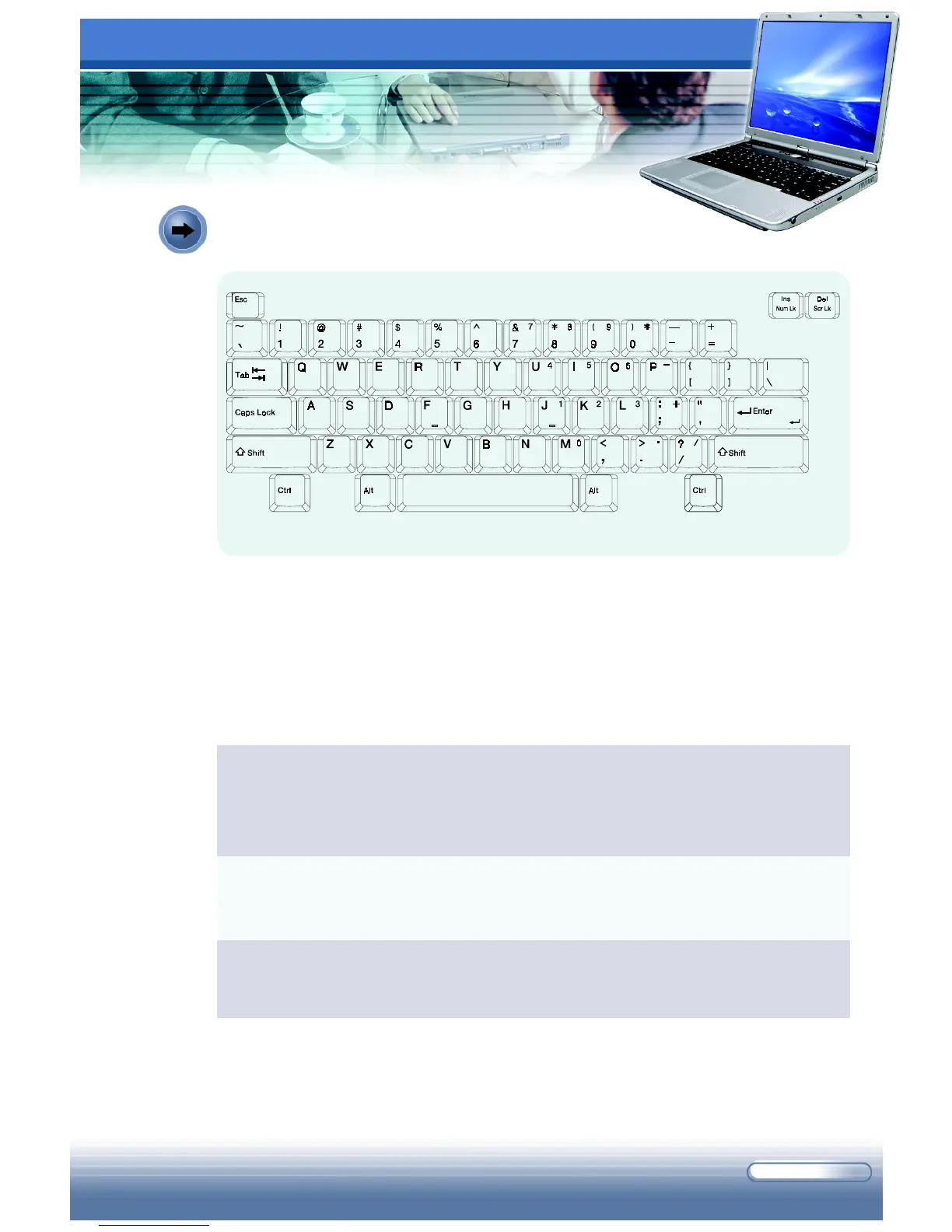
The function of these Typewriter keys is the major function of the keyboard,
which is similar to the keys on a typewriter. It also provides several keys for
special purposes, such as the [Ctrl], [Alt], and [Esc] keys.
When the lock keys are pressed, the corresponding LEDs will light up to
indicate their status:
Typewriter Keys
Num Lock: Press and hold the [Fn] key, and then press this key to toggle
the Num Lock on and off. When this function is activated, you can use the
numeric keys that are embedded in the typewriter keys.
Caps Lock: Press this key to toggle the Caps Lock on and off. When
this function is activated, the letters you type are in uppercase always.
Scroll Lock: Press and hold the [Fn] key, and then press this key to toggle
the Scroll Lock on and off. This function is defined by individual programs.
The Typewriter Keys



 To Next Page