6 - 2
M510C Series Notebook PC
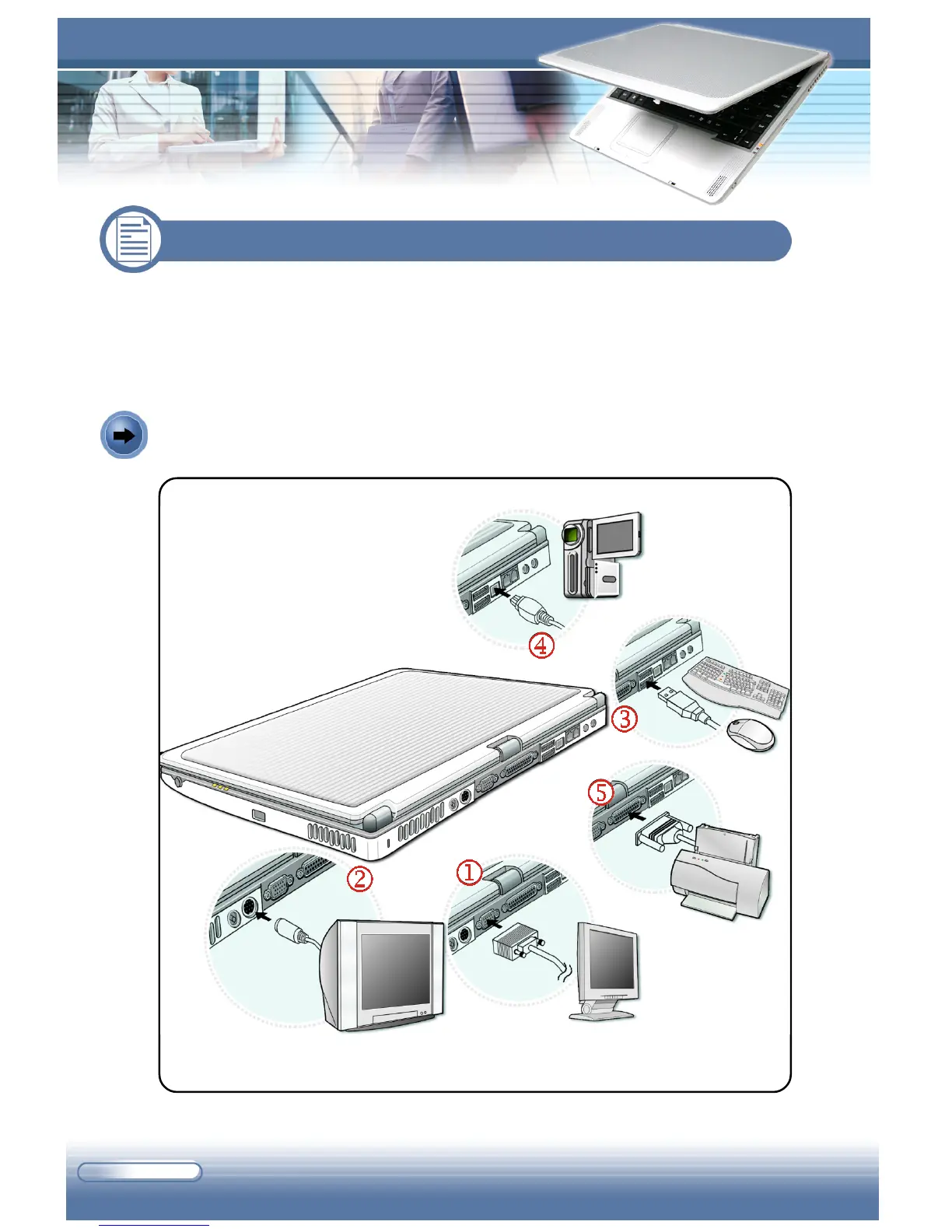
6.1 Connecting the External Devices
The I/O (input/output) ports on the rear panel of the computer allow you to
connect peripheral devices. For the information of these I/O ports, please refer
to Quick Components Guide in Chapter 1.
Connecting the Peripheral Devices
Connecting the Peripheral Devices



 To Next Page