3 - 2
M510C Series Notebook PC
3.1 Using the Software CD
The Software CD is a compact disk which provides the necessary drivers and
software applications for your Notebook PC.
You want to install the operating system from your Windows Setup CD,
but not from the Recovery CD that included in the package.
You want to install the drivers and software applications manually.
When do I Need the Software CD?
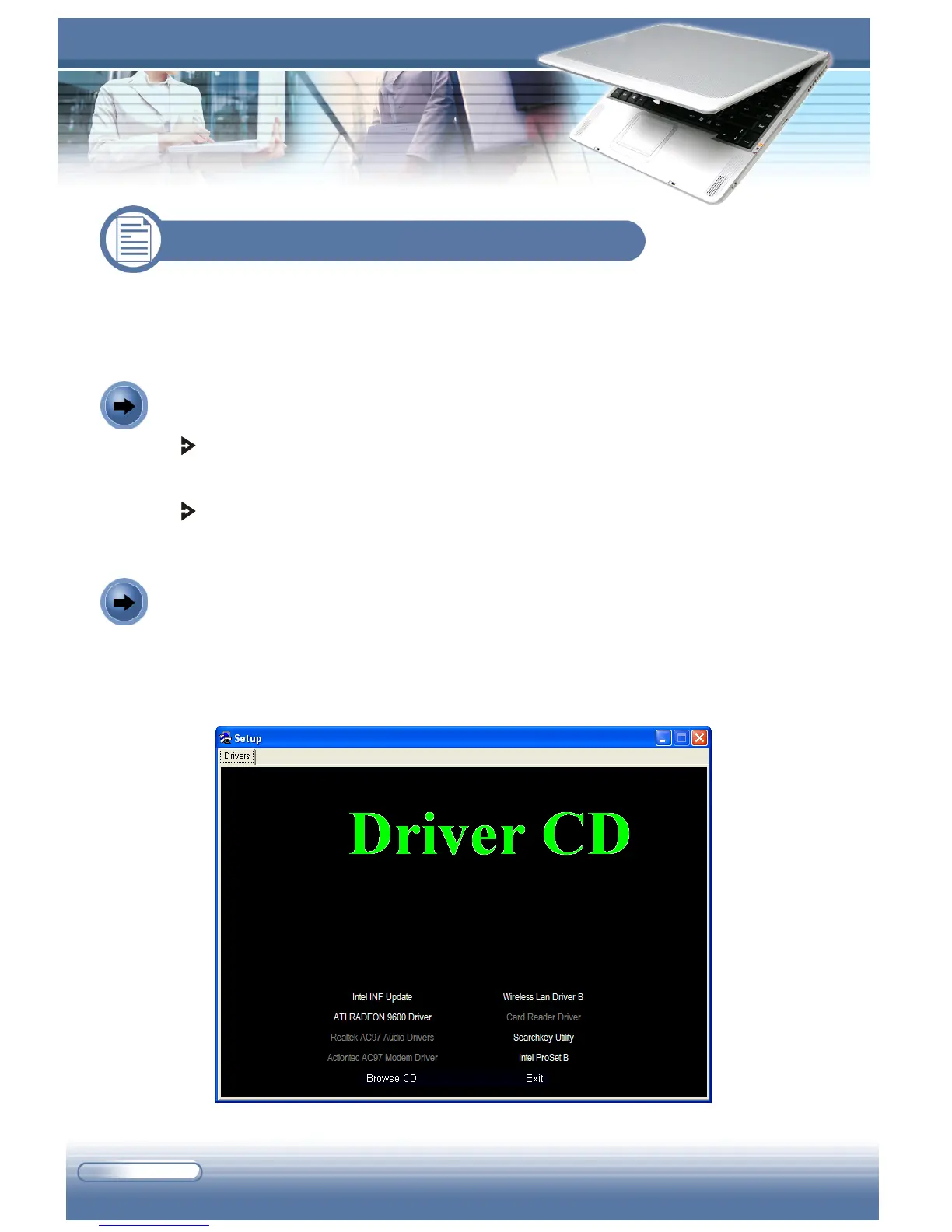
Insert the Software CD into your CD/DVD-ROM drive, and the Setup program
should start automatically as shown below. Then, click the item you want to
install, and follow the on-screen instructions to complete the installation.
How to Use the Software CD?
Autorun Screen of the Software CD



 To Next Page