5 - 8
M510C Series Notebook PC
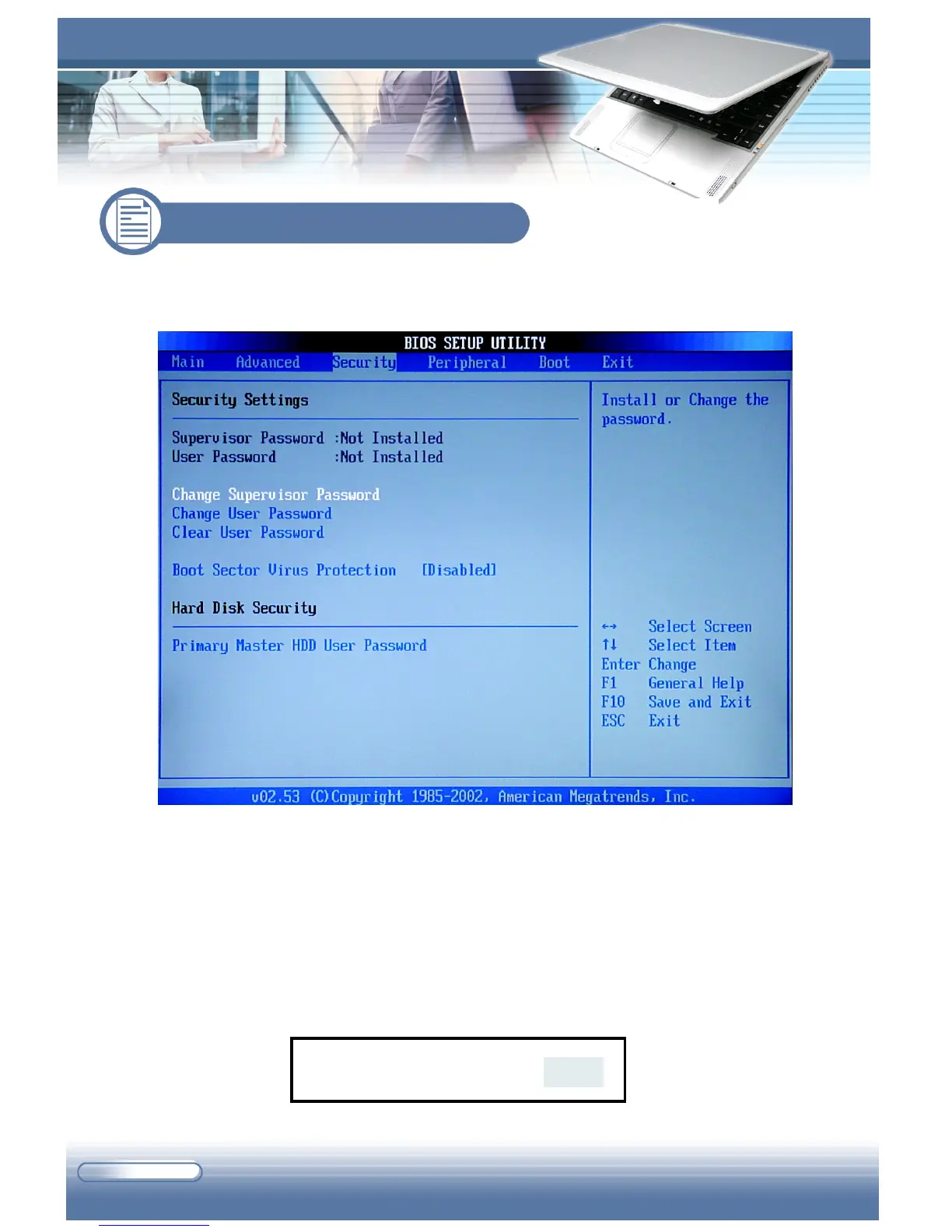
The Security menu contains the security settings, which protects your system
against unauthorized use.
Security Settings
This field displays the status of security settings, including Supervisor Pass-
word and User Password.
Change Supervisor/User Password
When you select the function, a message box will appear on the screen as
below:
5.4 Security Menu
Enter New Password



 To Next Page