5 - 12
M510C Series Notebook PC
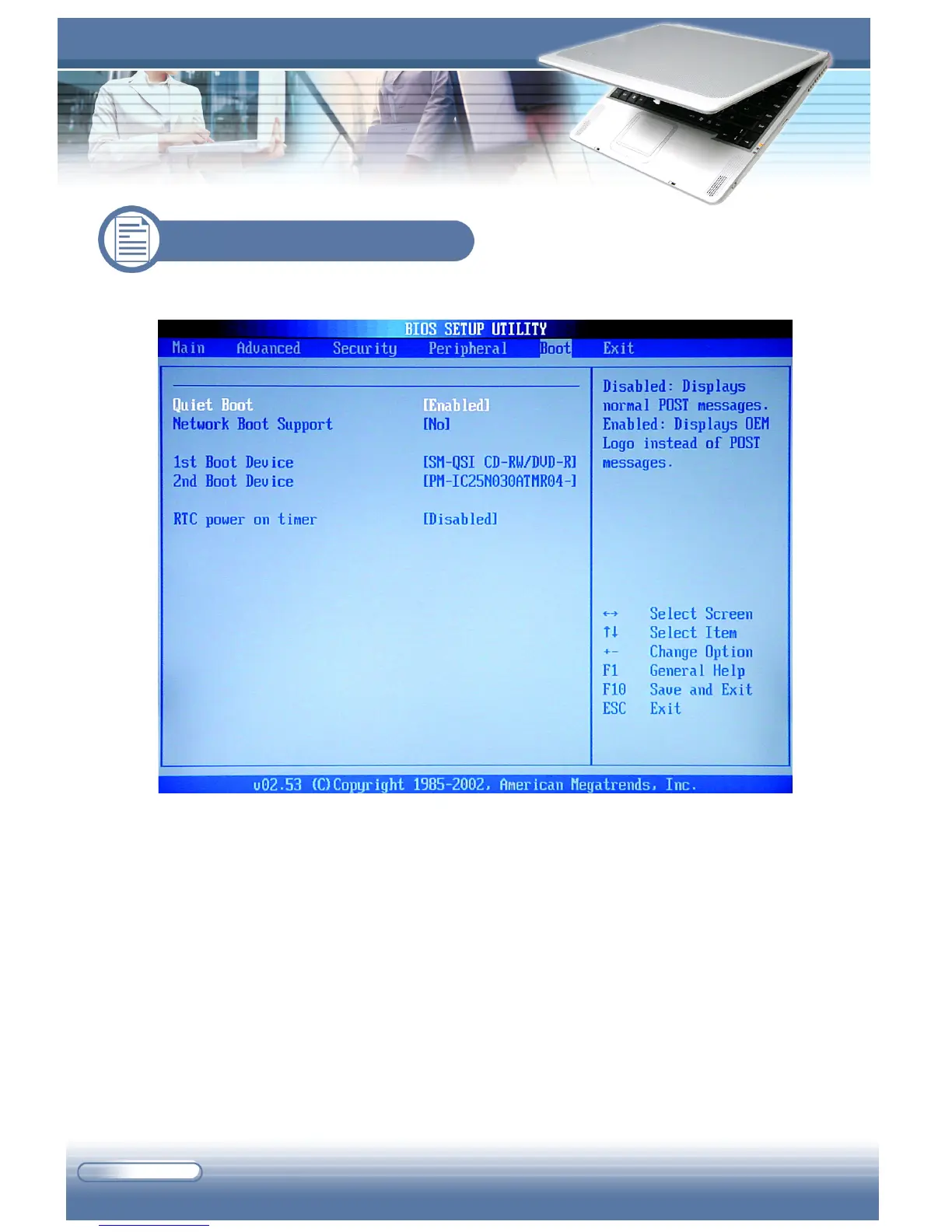
The Boot menu allows you to set the boot-up configuration.
Quiet Boot
This item enables you to show the vendor logo on the boot-up screen. Set-
tings options: Disabled and Enabled.
Network Boot Support
This item allows you to enable or disable the network boot-up function.
1st /2nd Boot Device
The two items allow you to set the sequence of boot devices where BIOS
attempts to load the disk operating system.
5.6 Boot Menu



 To Next Page