2 - 7
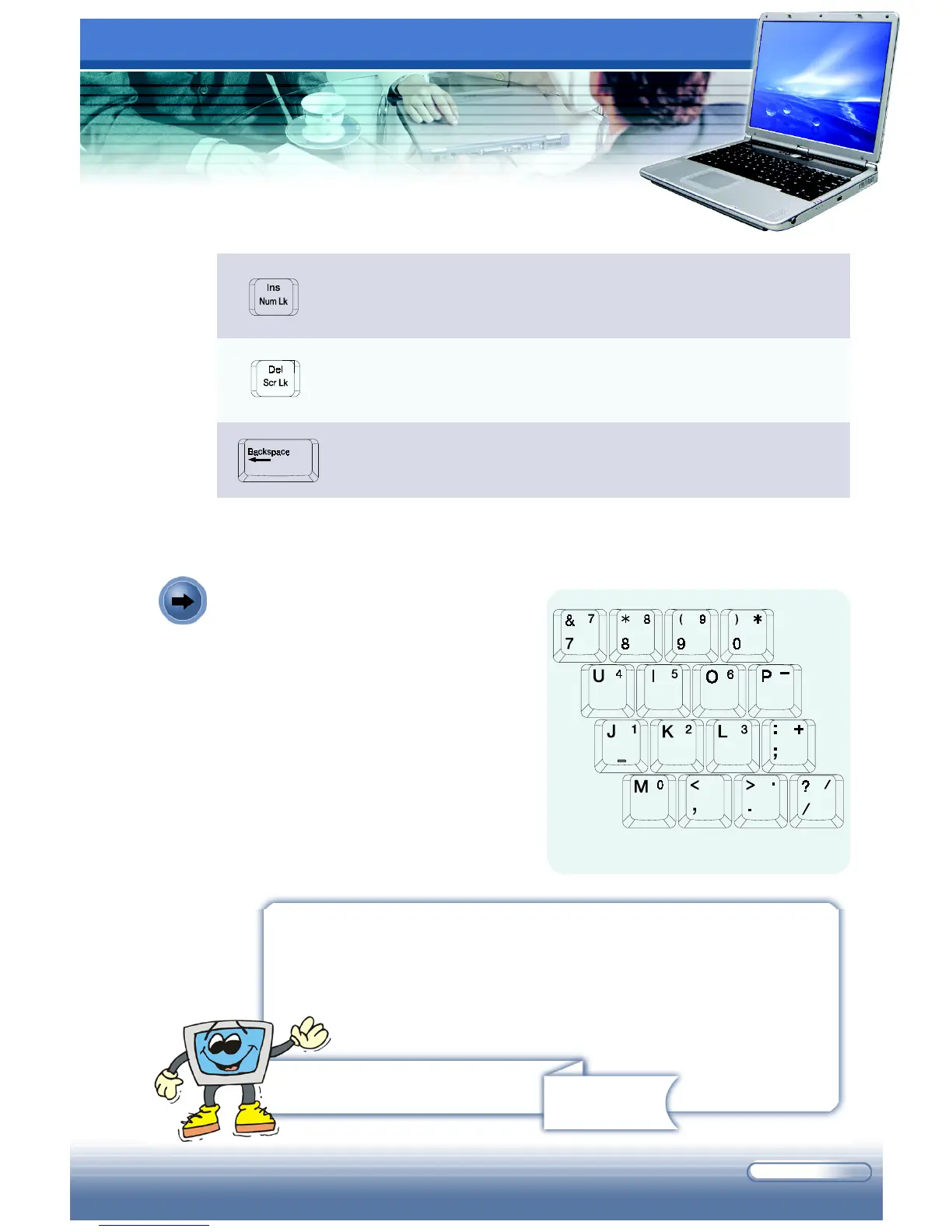
The keyboard provides a 15-key
numeric keypad, which is embedded in
the typewriter keys.
When the Num Lock is activated, you
can use these numeric keys to enter
numbers and calculations.
Numeric Keys
Remind you...
The numeric keys may lose function in some specific software
applications. If so, you may use the typewriter keys to input the
numbers, or connect an external numeric keypad.
This key is used to switch the typing mode between “insert”
and “overtype“ modes.
Press this key to delete one character to the right of the cursor,
and move the following text left for one space.
Press this key to delete one character to the left of the cursor,
and move the following text left for one space.
The Numeric Keys



 To Next Page