2 - 13
Remind you...
1. Do not place heavy/sharp objects on the touchpad; do
not scratch the surface of touchpad.
2. Clean the touchpad with soft dry cloth regularly to
prevent the dust and liquids on it.
3. When using the touchpad, keep your fingers and the
touchpad clean and dry for optimal performance. Do not
use excessive force when tapping on the touchpad.
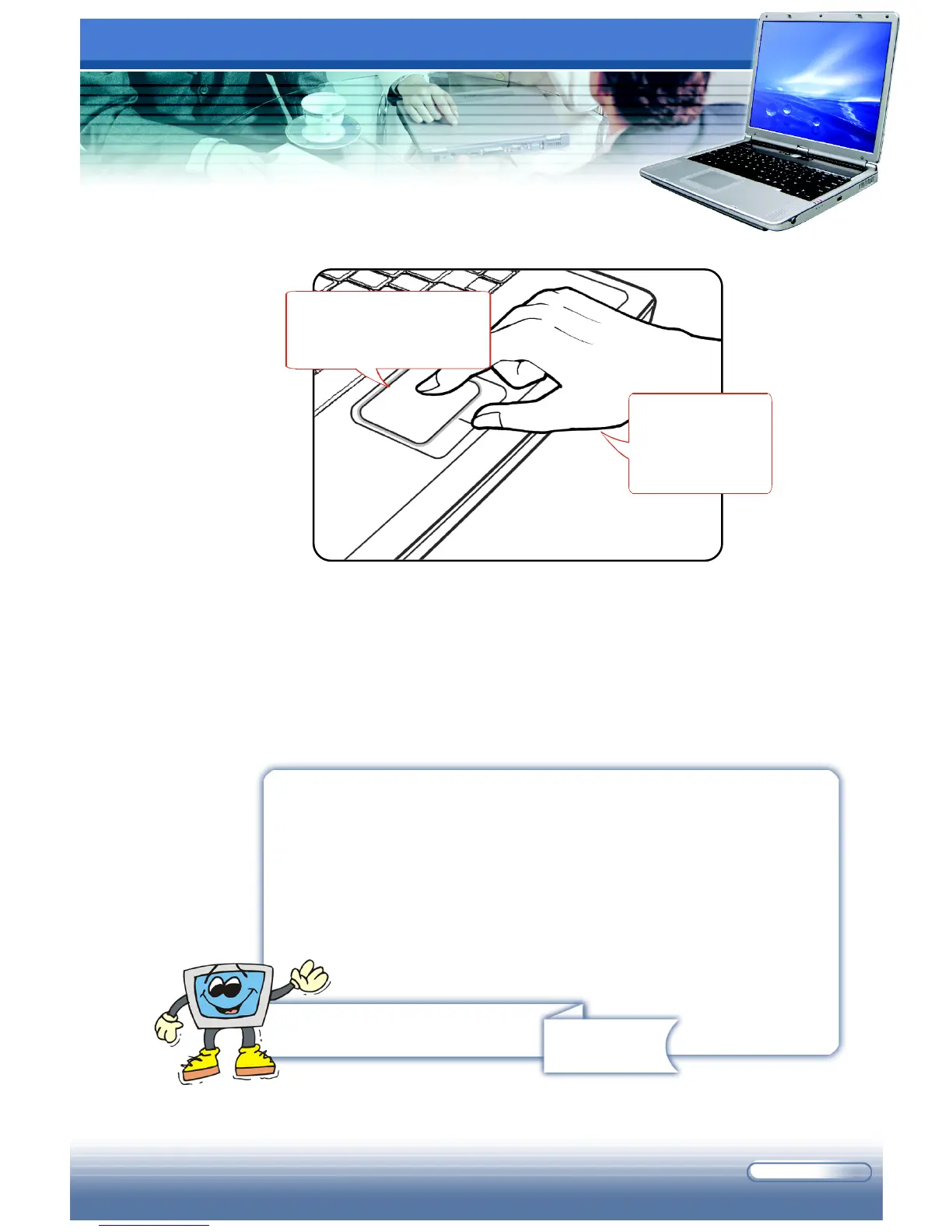
Using the Touchpad
Put your wrist
on the desk
comfortably.
Move the cursor by
sliding your fingertip.



 To Next Page