6 - 6
M510C Series Notebook PC
Using the Modem
The built-in 56Kbps fax/data modem allows you to use a telephone line to
communicate with others, or to dial-up to connect the Internet.
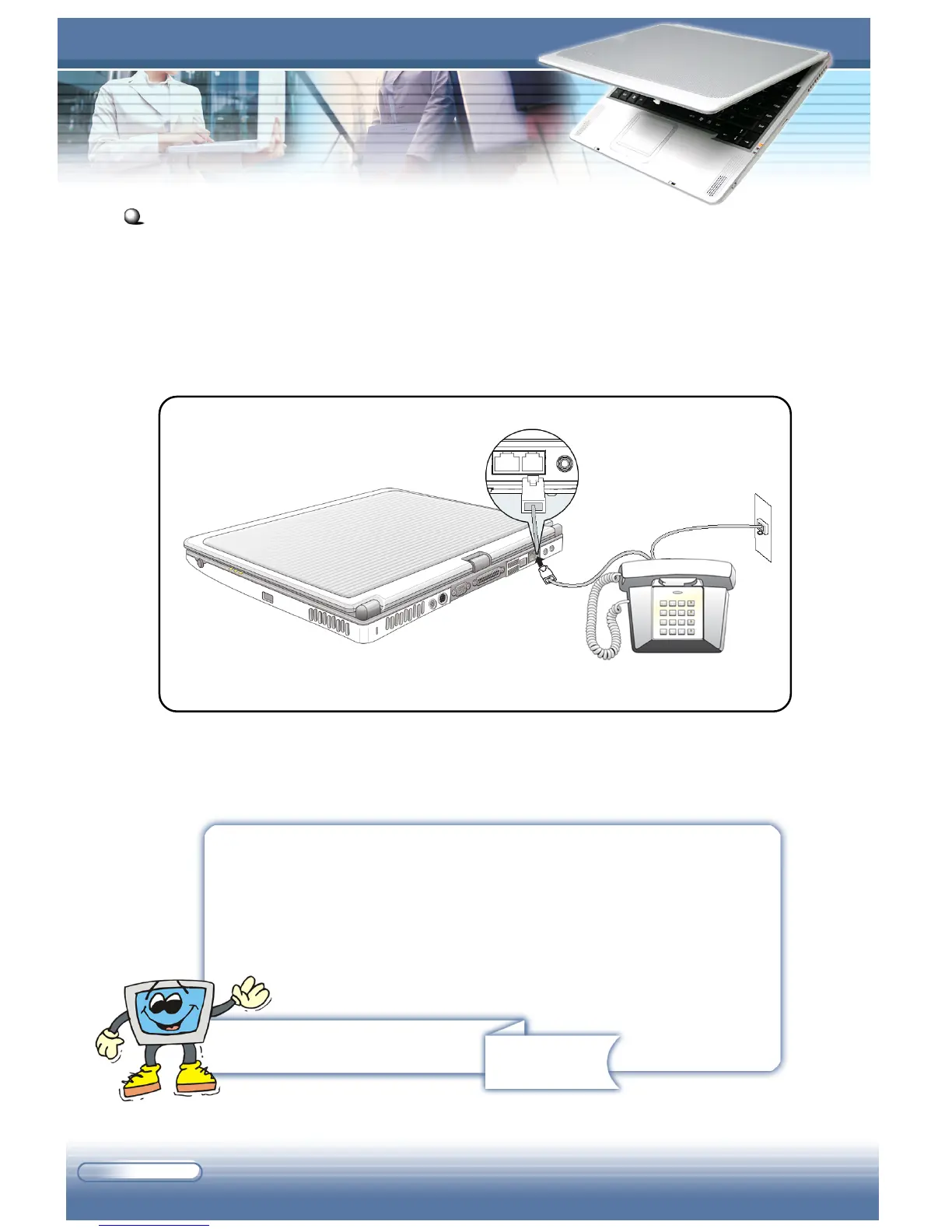
The following diagram provides the basic connection of modem. For more
instructions or detailed steps on dialing-up through the modem, please ask
your MIS staff or Internet service provider (ISP) for help.
Connecting the Modem
Remind you...
1. To reduce the risk of fire, use only No. 26 AWG or larger
telecommunication line cord.
2. You are strongly recommended to install the modem
driver included in the software CD of your computer to
take full advantage of the modem feature.



 To Next Page