31
Always respond to low-battery by connecting the AC adapter, placing your Tablet
PC in Hibernation mode, or turning off the Tablet PC.
Replacing the Battery Pack
Replacing the Battery PackReplacing the Battery Pack
Replacing the Battery Pack
CAUTION:
There is danger of explosion if the battery is incorrectly
replaced. Replace the battery only with the Tablet PC
manufacturer’s battery. Discard used batteries according to
the dealer’s instructions.
Do not attempt to disassemble the battery pack.
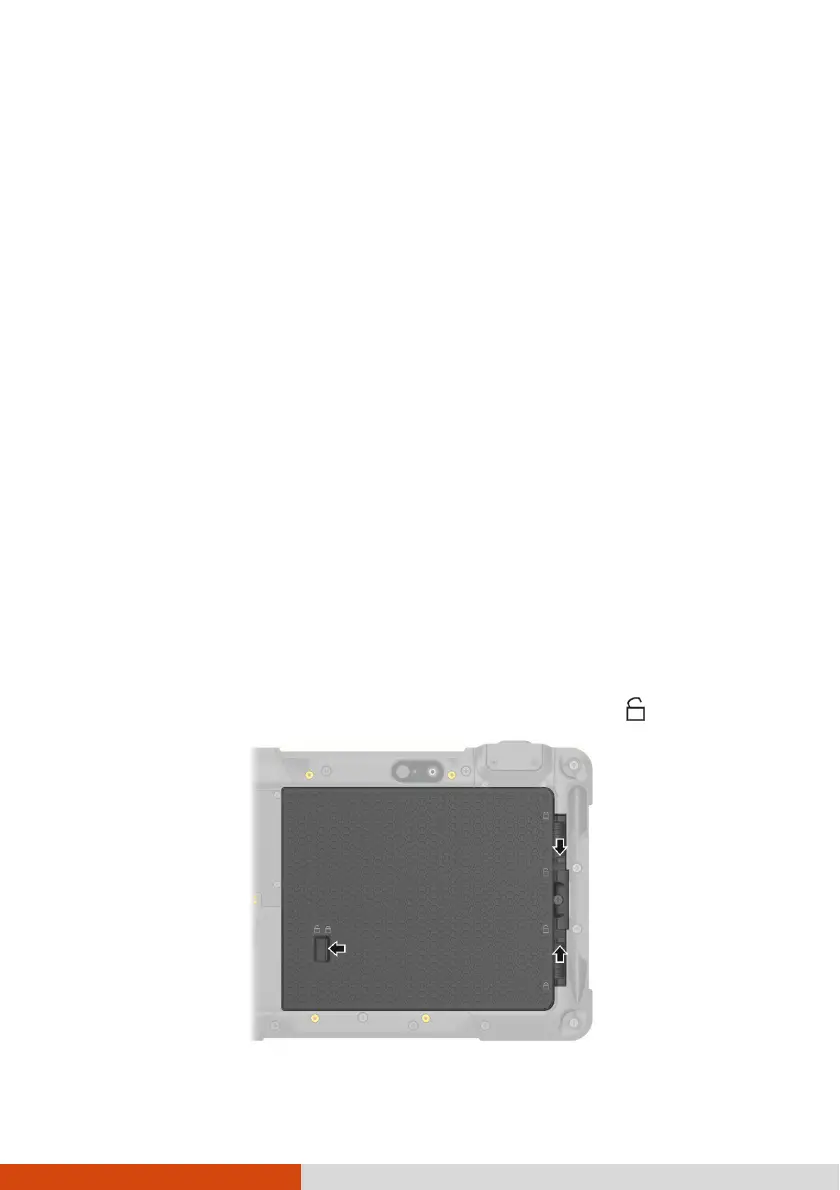
1. Slide the three battery latches to the unlocked position ( ).



 To Next Page