30
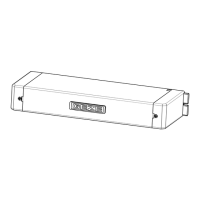
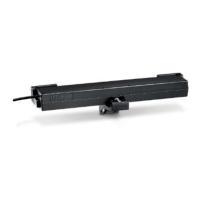
Mount the drive (1) on the drive holders (2, 3):
To do so, insert the two oblong holes at the end of the drive (1) into the cor-
responding pins of the drive holders (2, 3).
Turn the drive (1) by 90°.
Set the stroke: Set the stroke by turning the stroke adjustment switch:
1 = Stroke 100 mm, 2 = Stroke 200 mm, 3 = Stroke 300 mm and 4 = Stroke 400 mm.
Carry out the stroke setting in the closing position of the drive.
Insert the chain end piece with pin and quick-release fastener (7) into the oblong
hole of the bracket OW (5). If necessary, extend the chain.
Let the quick-release fastener (7) latch in at the bracket OW (5).
Insert
Turn
e.g.:
Insert
Latch


 To Next Page