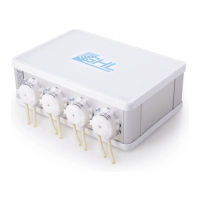
Instruction Manual Mitras LX7
EN 2016-12-27 19
Enter any connection name (for example "Mitras LX7") and set the previously determined
port (COM4) via the selection window (<Auto>). Press "Save".
Mitras LX7 is now visible in the sidebar. By double-clicking the device or by pressing the
"Connect" button in the upper ribbon bar, the connection between the device and your PC is
established.
Once connected, you can view the menu of the Mitras LX7, in which you can make all desired
settings.
For further settings and programming please refer to the "Programming manual for Mitras
LX7" which you can download in the download area (Support-> Downloads) of our homepage
www.aquariumcomputer.com.


 To Next Page
 Loading...