Instruction Manual Mitras LX7
EN 2016-12-27 21
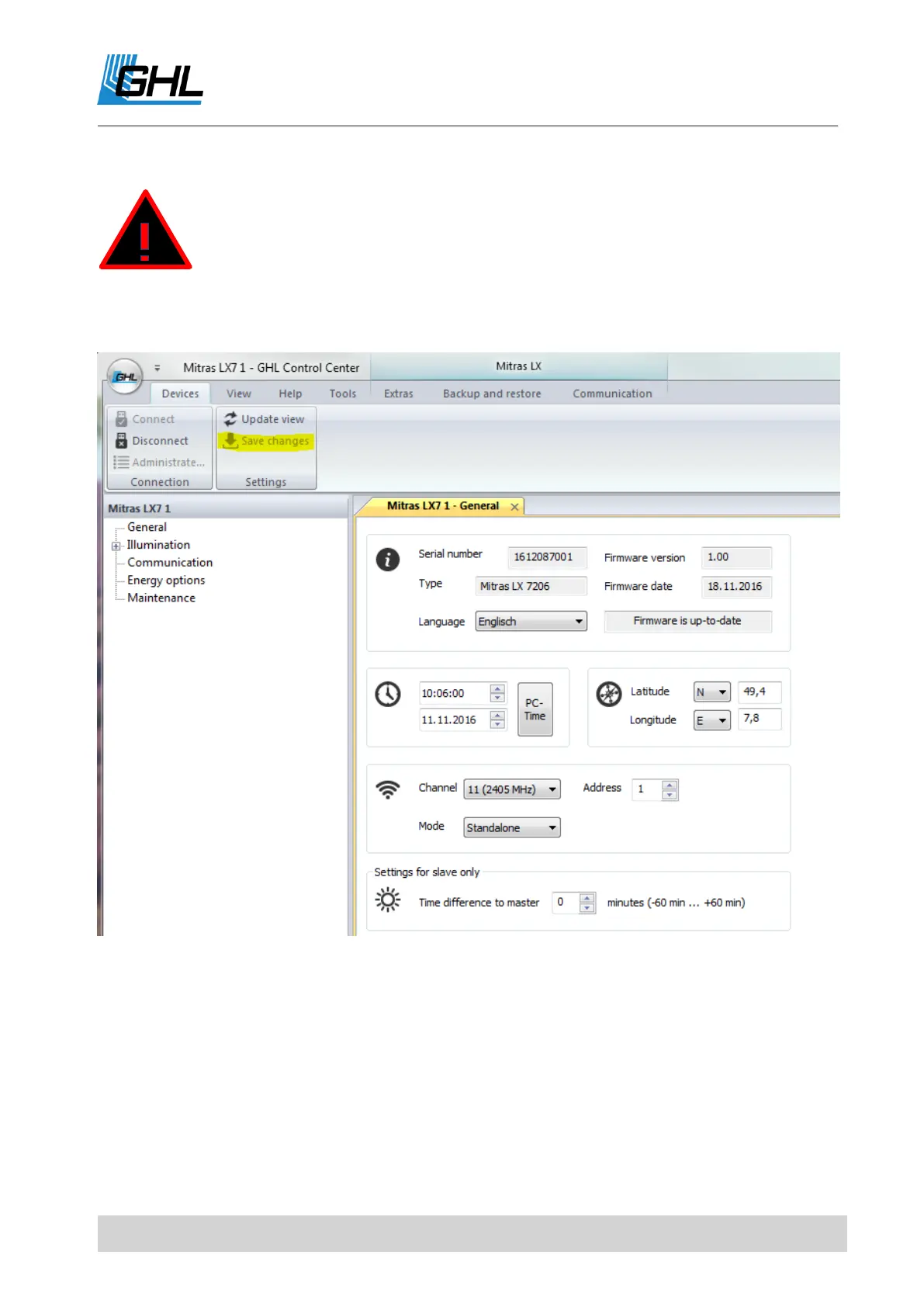
If your luminaire is connected to GCC and you make settings adjustments directly on your
Mitras LX7 at the same time, you have to transfer these to the GCC by pressing the "Update
view" button.
DANGER
If you have made any changes to the settings for your device via the
GCC, you have to save them using the "Save changes" button, before
you disconnect your device. Otherwise your changes will not be
transferred to the device.


 To Next Page
 Loading...