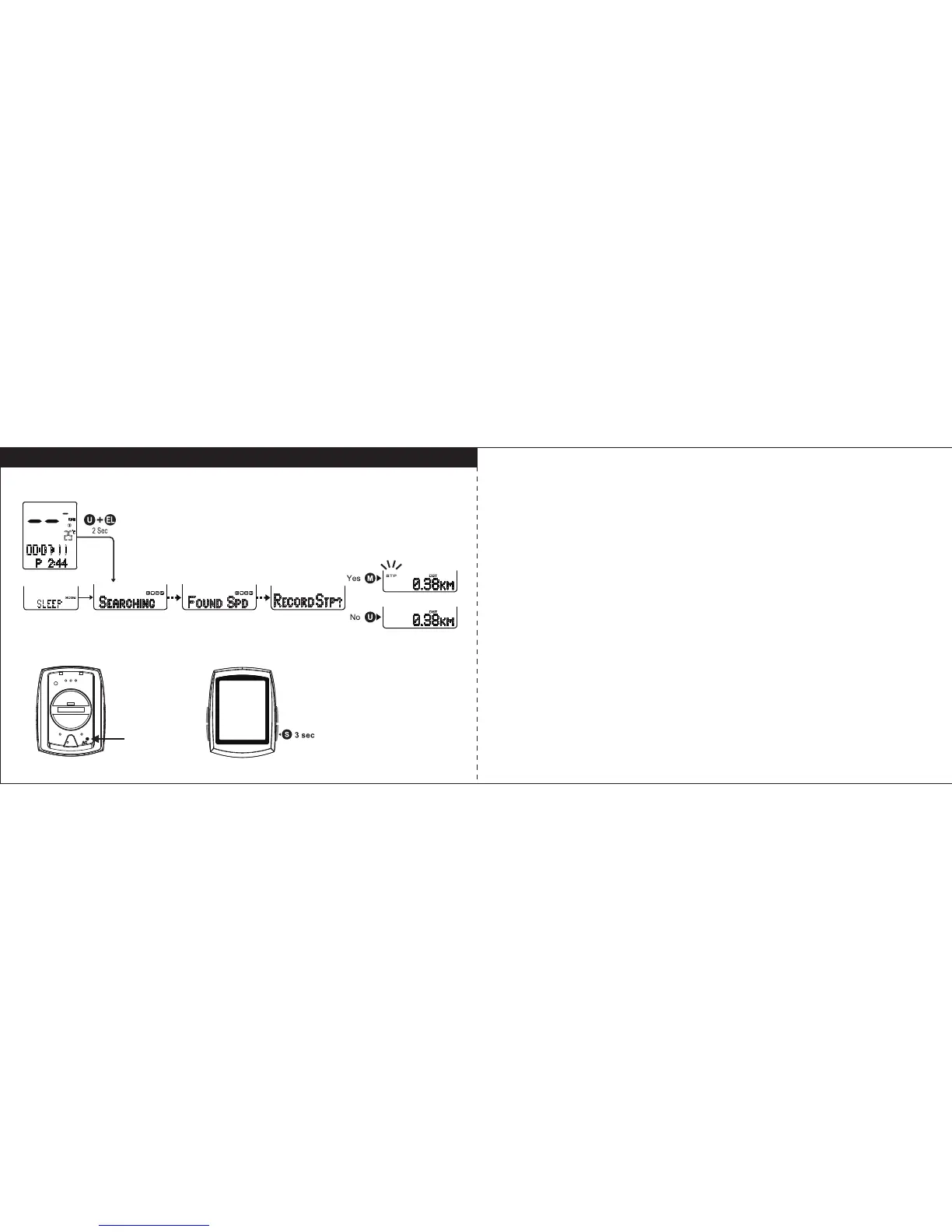
Searching / Record Reminder / Reset Computer / Reset Trip Data
15 16
Searching
In Sleep mode, When bike is moving or press U+EL keys for 2 seconds, computer
will start searching for paired devices. The longest time for searching is 30 seconds,
effective distance for transmission is 1 meter.
Record Reminder
After searching, Record Reminder will show “Record STP?” (Record Stopwatch)
to ask you if you want to record the trip data. Press M key to confirm it or press U key
to decline it. To Stop STP recording by pressing M key for 3 seconds.
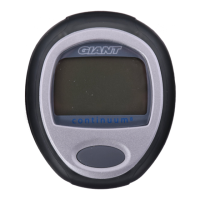
Reset Computer
When the computer is not working or the screen is blank after installing the
battery, press the AC button at back of unit to reset the computer back to original
setting.
Reset Trip Data
In any mode, hold S key for 3 seconds, to reset all trip data.
Reset Trip data
Reset Computer



 To Next Page