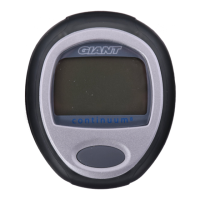
General Operation / Display
GENERAL OPERATION / DISPLAY
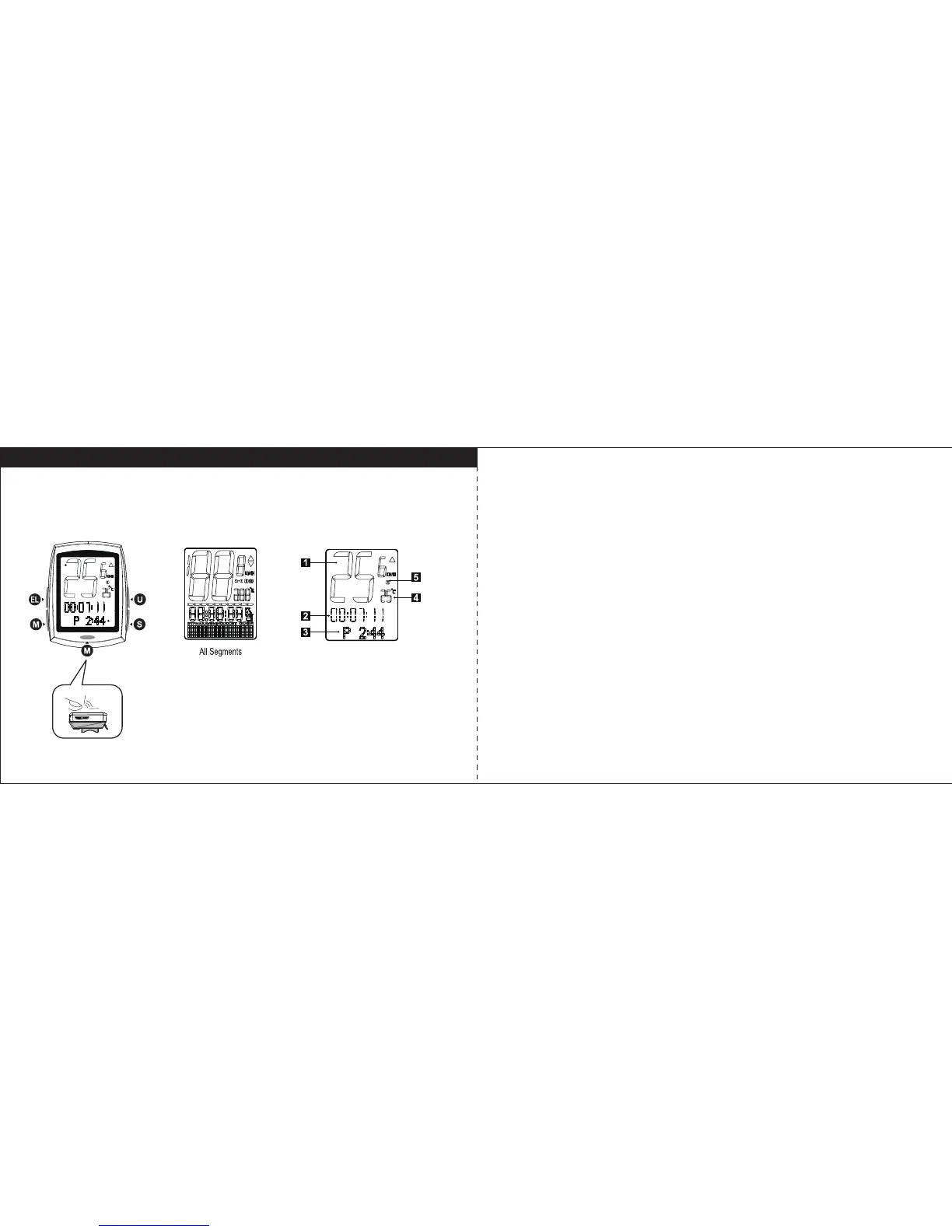
There are 4 main keys on the computer unit.
EL key: Manual key for backlight
M key: Operates the Mode functions, it also can be pressed on the bottom of unit when
it is mounted.
S key: Operates the Sub Mode funtions in Mode display.
U key: Operates the Upper Mode functions.
1. Current Speed
Display the current speed in km/h or m/h.
2. Upper Mode
Press U key to display: Ride Time / Distance Travelled / Current Cadence (if paired) /
Current Heart Rate (if paired) / Current Altitude / Current Power (if paired)
3. Mode
Press M key to display: Clock / Ride Time/ Stopwatch / Distance Travelled / Current
Cadence (if paired) / Current Heart Rate (if paired) / Current Altitude / Gradient % / Ave.
Speed / Current Power (if paired) / Max. Temperature
4. Current Temperature
Display the current temperature in °C or °F.
5. Bike1 / Bike2
Indicate the display data for Bike1 or Bike2
CLICK
7 8



 To Next Page