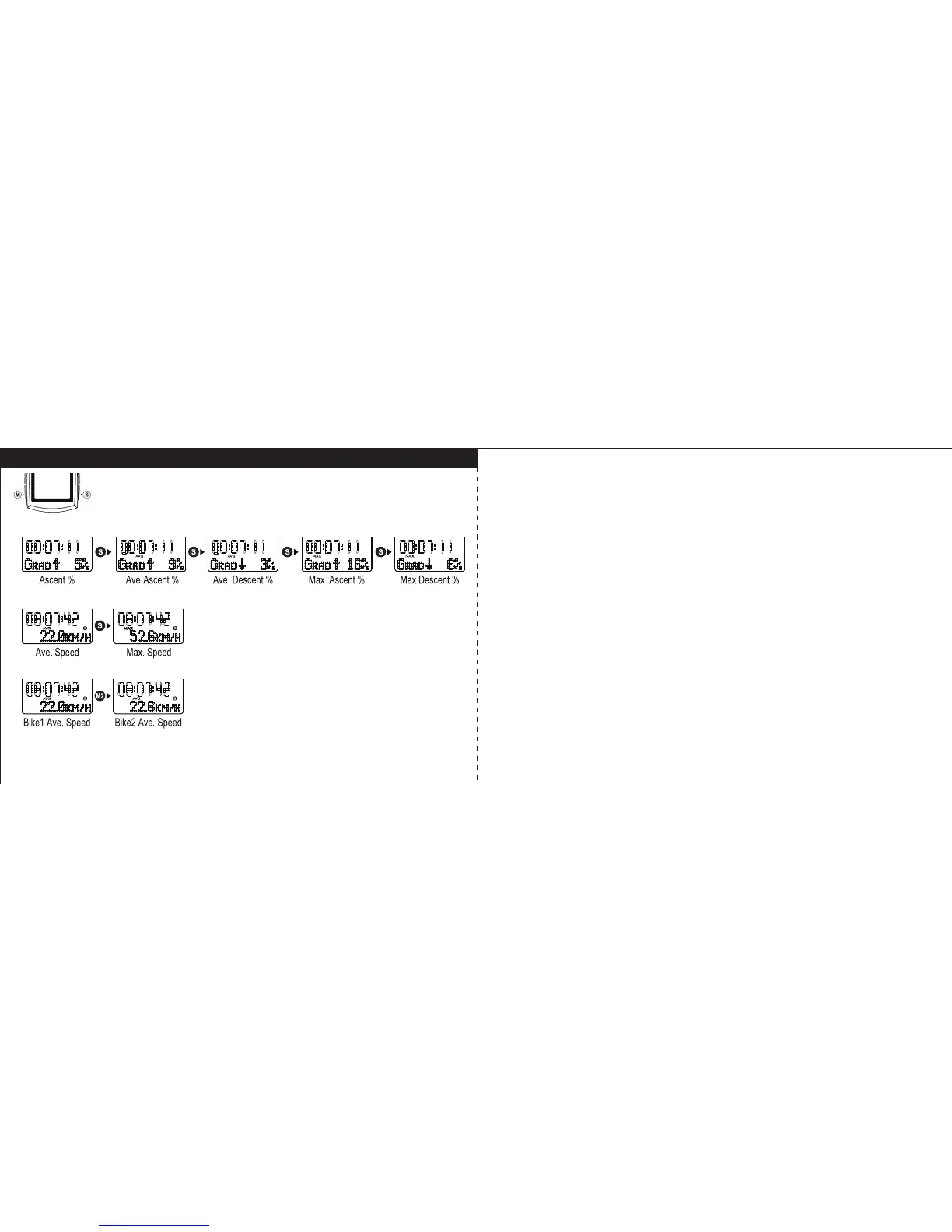
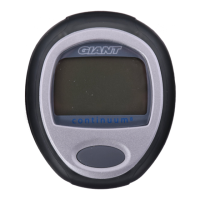
Ascent% / Average / Maximum Speed /Bike1 / Bike2
Ascent%
In Ascent% Mode, press S key to display in sequence of Average Ascent%,
Average Descent%, Maximum Ascent%, and Maximum Descent%. It will return
to Ascent% automatically after 3 seconds if S key is not pressed.
Average / Maximum Speed
In Average Speed Mode, press S key to display Max Speed. It will return to
Average Speed automatically after 3 seconds if S key is not pressed.
Bike1 / Bike2
Under Average Speed mode, hold M key to swap Bike1 / Bike2. If the
stopwatch is running, it can’t be swapped between Bike1 and Bike2.
49 50



 To Next Page