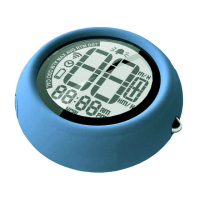
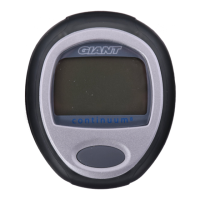
Enter Setting Mode
Enter Setting Mode
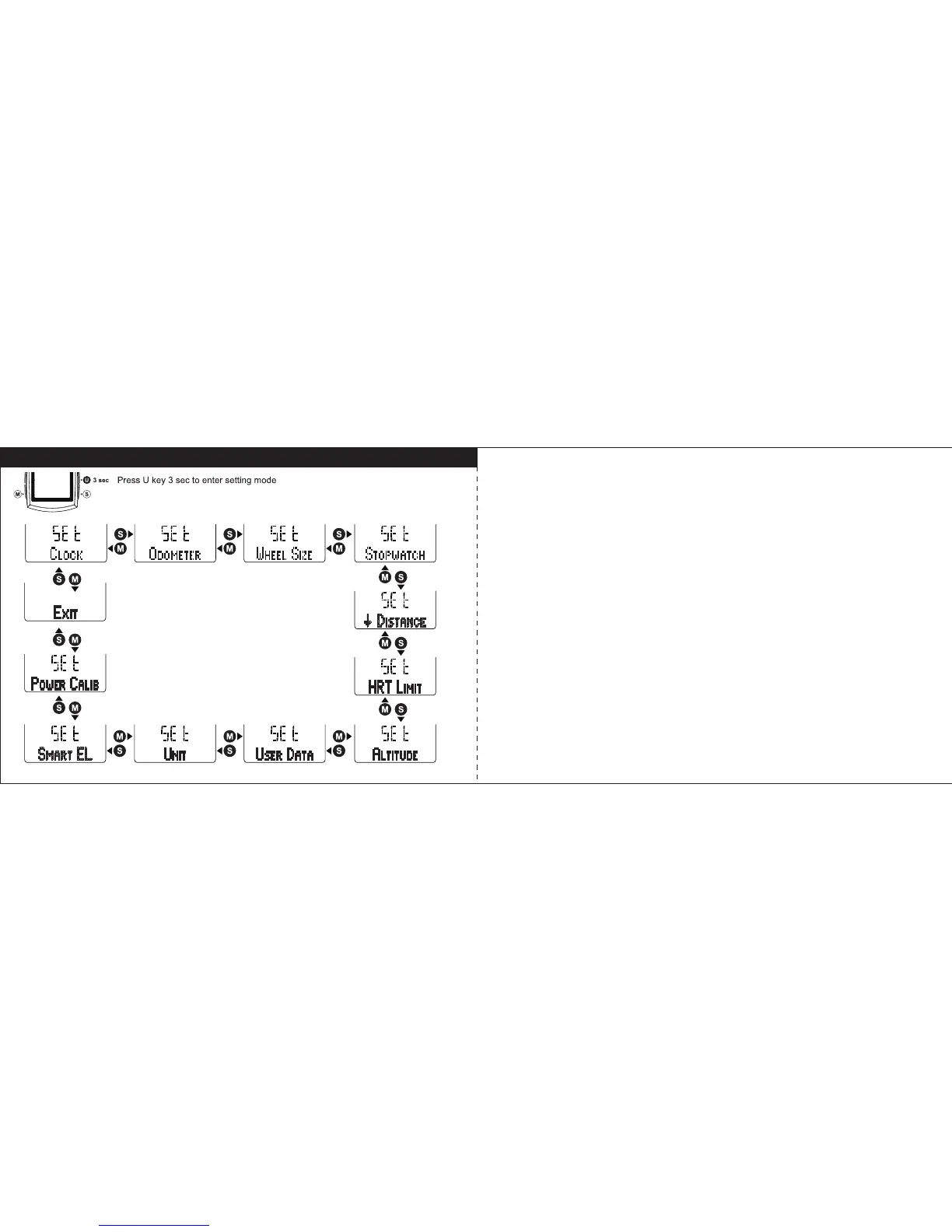
1. Press U key for 3 seconds to enter the setting modes. Select the parameter
setting by pressing S or M key in sequence loop of Clock, Odometer, Wheel
Size, Stopwatch, Countdown Distance, Heart Rate Limit, Altitude, User Data,
Unit, Smart EL, Power Calibrate (if paired), and Exit. Press U key to enter
particular parameter setting or return to previous mode in Exit.
2. When Stopwatch is running, the Stopwatch and User Data will not display in
setting mode. Power Calibrate only shows when the power meter is paired.
17 18


 To Next Page