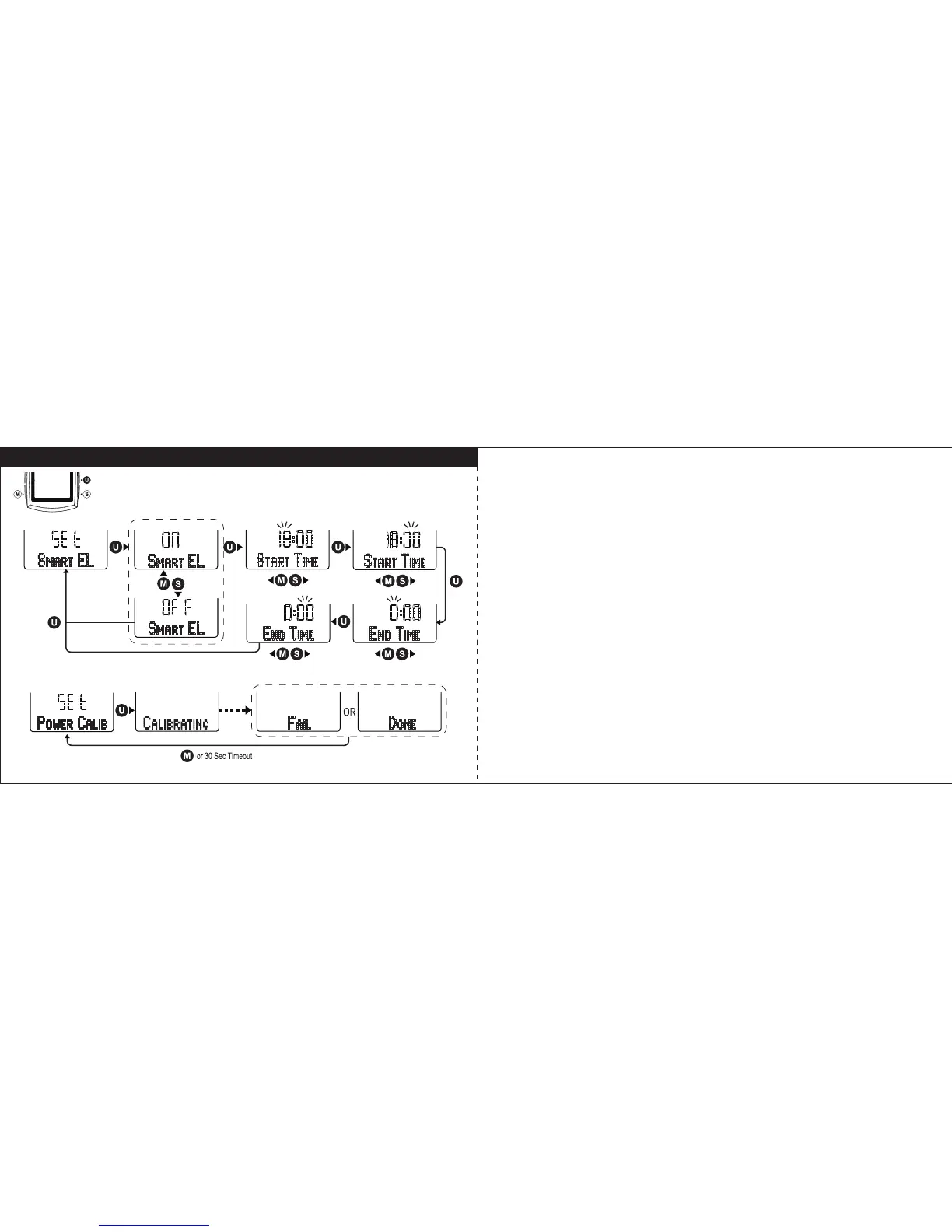
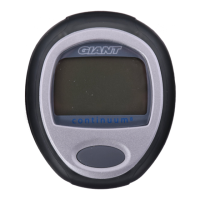
Set Smart EL / Power Calibration
Set Smart EL (Backlight)
Select “
SMART EL
” in setting mode, and press U key to enter Smart EL setting.
Follow the key flow diagram. Press S or M key to turn Smart EL function on or
off, and press the U key to confirm it. To preset its function Start Time and End
Time press S or M key to set hours and minutes and press U key to confirm it
and go next step.
Power Calibration
Select “
POWER CALIB”
in setting mode, and press U key to start calibrating the
power meter. When it is done, it will return to Set Power Calib display. If it fails,
press M or after 30 seconds return to Set Power Calib display.
31 32



 To Next Page