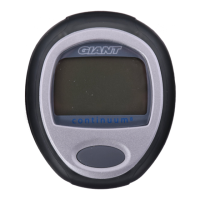
General Operation / Display
General Operation / Display
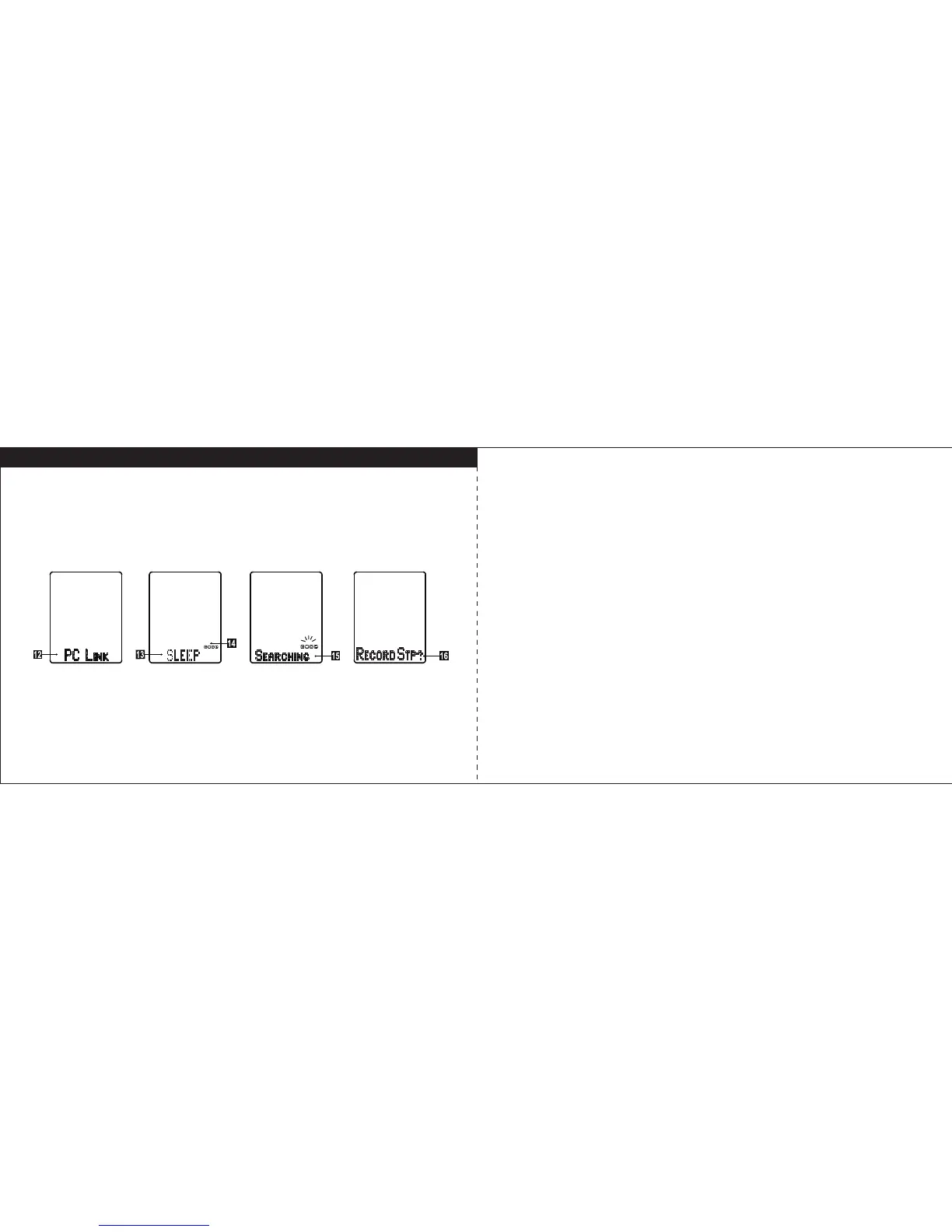
12. PC Link Mode
If the computer unit is placed into the USB cradle, it will enter the PC-link mode
automatically for data upload & download.
13. Sleep Mode
The computer unit will turn to SLEEP mode after all sensors sleep more than 5
minutes.
14. Paired Sensor Icons
The sensors icons will display in sleep mode if the sensor was paired previously.
C: cadence sensor, Heart: Heart rate monitor, S: speed sensor, P: power meter. If
the computer can’t find the sensors, please make sure the sensor is reacting with
magnet while pairing or it is not in sleep mode.
15. Searching
If the computer is not in SLEEP mode, but on the mount, when you move the bike,
the computer wil automatically start searching. The longest time for searching is
30 seconds, effective distance for transmission is within 1 meter.
16. Record Reminder
After searching, Record Reminder will show “Record STP?” (Record Stopwatch) to
ask you want to record the trip data. Press M key to confirm it or press U key to
decline it. To stop recording by pressing M key for 3sec or it will automatically stop
after all sensors go sleep.
11 12



 To Next Page