- 33 -
7. SERIAL TRANSMISSION
Serial transmission is a EIA RS232 standard compatible or may be, on request, a USB 2.0
connection. In this case the installation of the driver supplied with the instrument is
required.
The answer from the balance is sent every 200 ms.
7.1 SERIAL OUTPUT CONNECTION (EIA RS232)
DB25 CONNECTOR (25 poles)
7.2 DATA TRANSMISSION FORMAT
The format of the data transmitted by the balance is different as a function of the protocol
selected in the SETUP menu at Section 6.2.
“EURO” and “CRYSTAL” protocols are suitable for computer interfacing; “PRINTER”
protocol may be used to drive external printers.
7.2.1 CRYSTAL Protocol
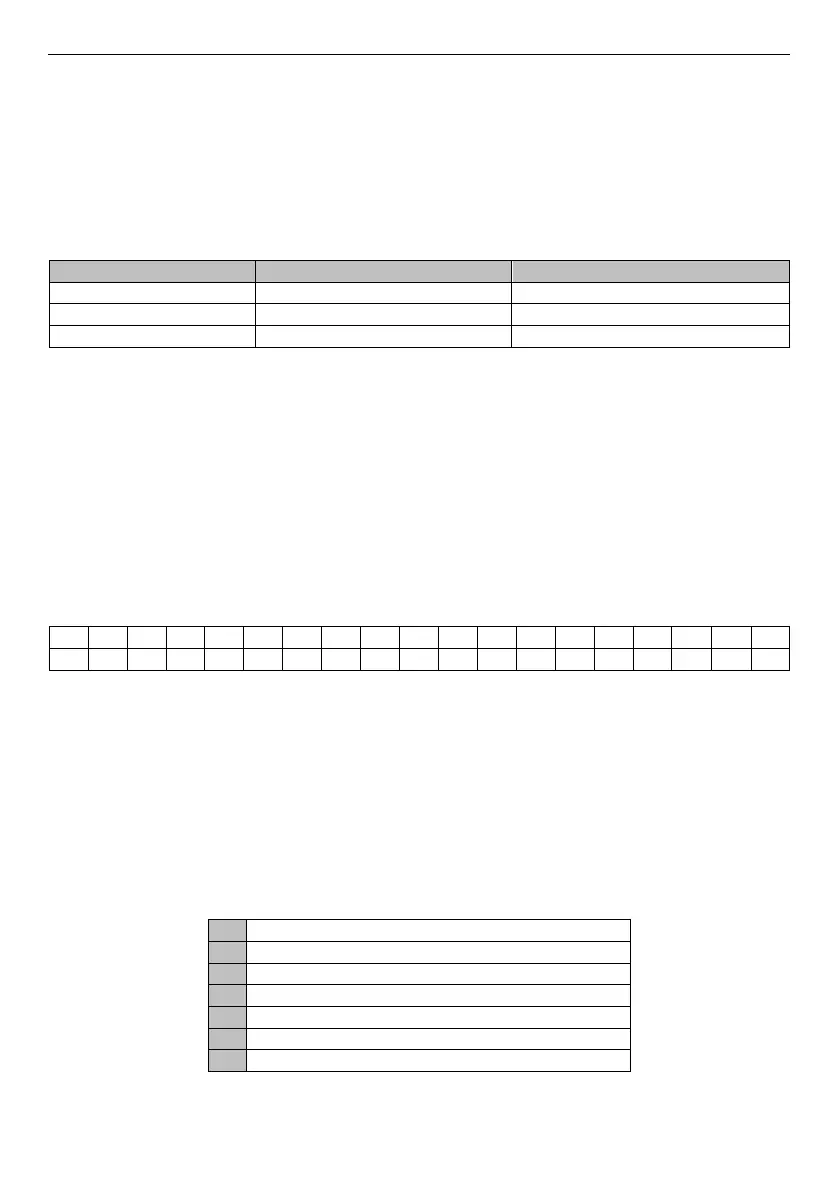
In this protocol the answer to any type of command is formatted with:
The measure field (1…10) gives the weight on the pan.
It is right justified with decimal point and measure sign (a space character for positive
measure or a “-“ character for a negative measure).
Unit field (12, 13, 14) shows the current unit weight.
Status field (16 and 17) gives an indication on the operation performed at that time by the
balance.
Fields 11 and 15 (B) are the blank characters.
CR ASCII code for carriage return
LF ASCII code for line feed.
Status codes of F1 character
Transmitted data is valid
Calibration process in progress



 To Next Page