- NOTE -
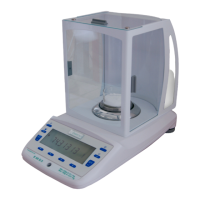
All electronic balances, which are sensitive to changes of gravity, must be checked and
calibrated in the place where they are to be used.
To make a calibration a class F1 certified mass of 1000g (or multiples) is needed.
Please follow the instructions described at Section 6.3
4. DISPLAY AND COMMAND KEYS
4.1 DISPLAY
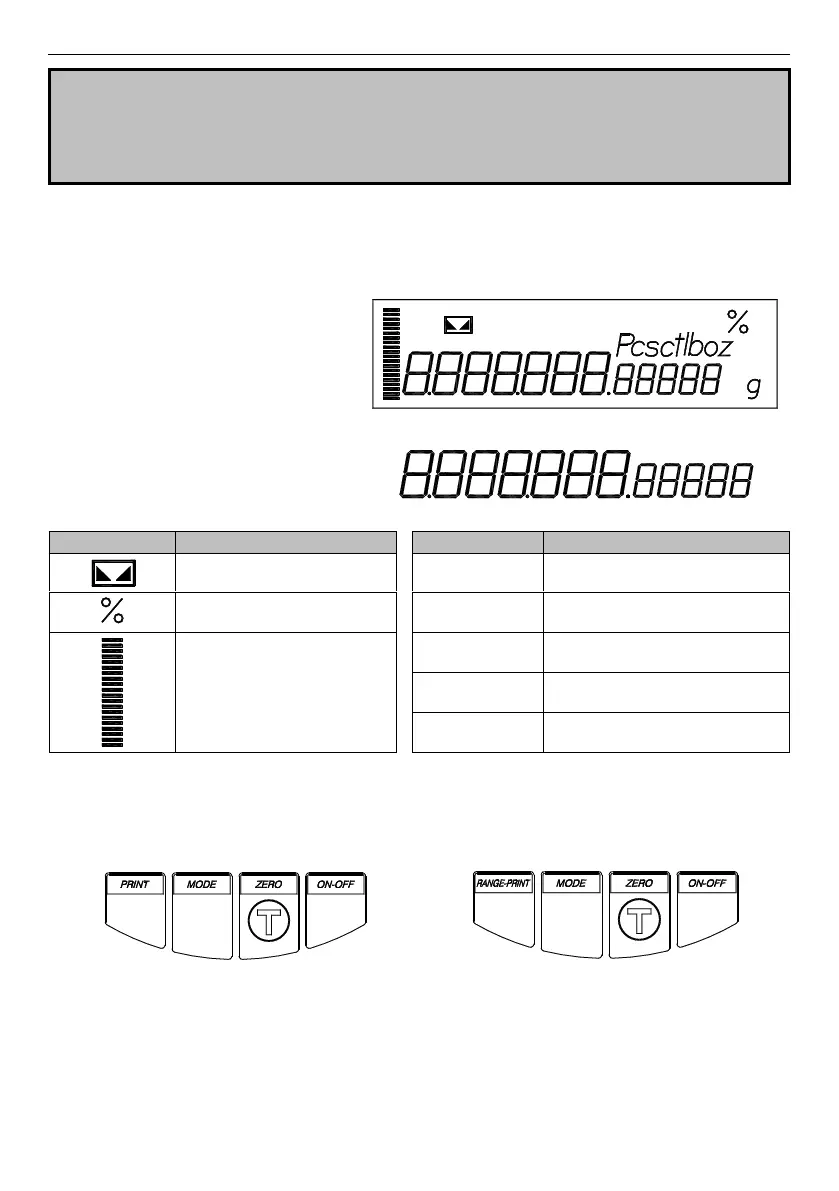
When the balance is in operating
mode, the display can show
characters, symbols and icons, like
those of the left side figure.
Their meaning is described in the
following.
Seven segments alphanumeric
characters, for reading data and
visualising the messages
Bar-graph: percent used
capacity
Pounds
(1 lb = 453,59237 g)
Ounces
(1 oz = 28,34952 g)
4.2 KEYS FUNCTION
Everyone of the 4 command keys (Fig. 3a and 3b) has one or more functions assigned that
vary in base of the mode in use.
Fig. 3a – Standard command keys
Fig. 3b – DR model command keys



 To Next Page