- 13 -
Hardware Installation
1-4 Installing and Removing Memory
Read the following guidelines before you begin to install the memory:
•
Make sure that the motherboard supports the memory. It is recommended to use memory of the
same capacity, brand, speed, and chips.
•
Always turn off the computer and unplug the power cord from the power outlet before installing
the memory to prevent hardware damage.
•
Memory modules have a foolproof design. A memory module can be installed in only one
direction. If you are unable to insert the memory, switch the direction.
1-4-1 8-ChannelMemoryConguration
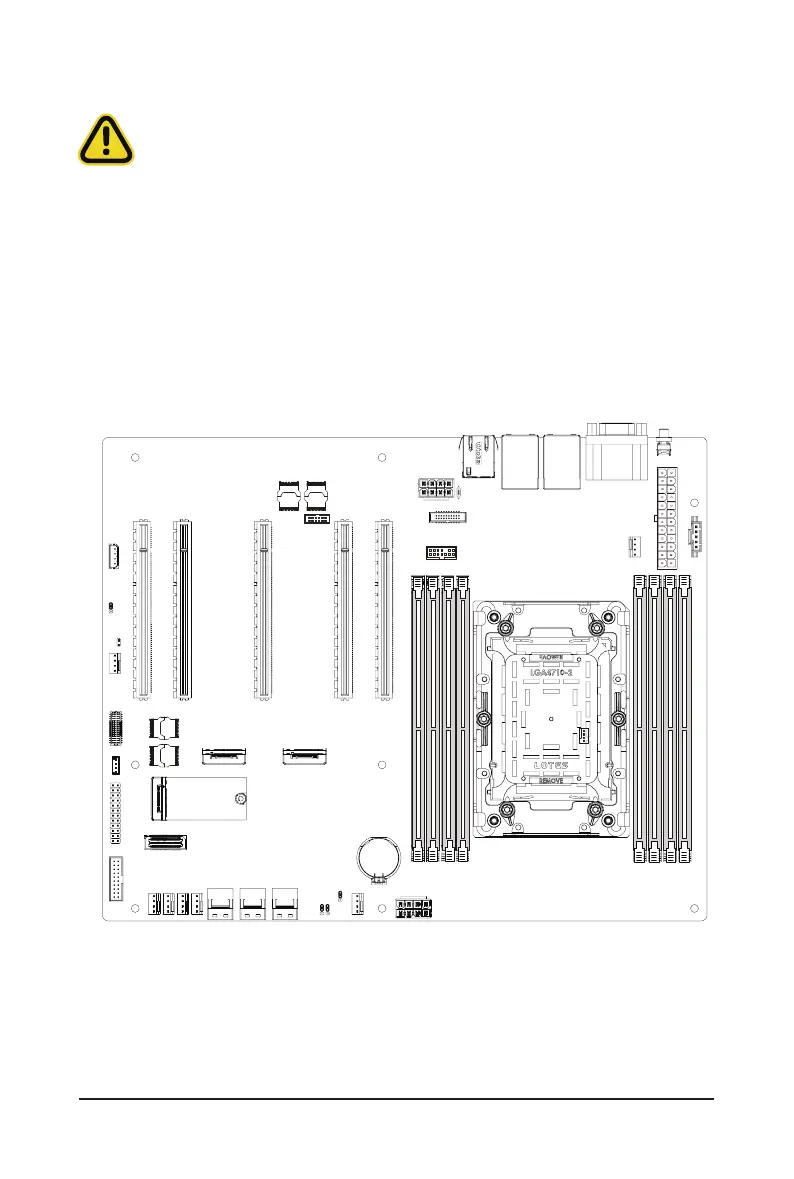
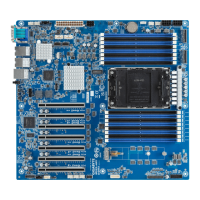
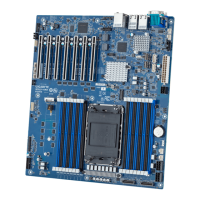
This motherboard provides 8 DDR5 memory slots and supports 8-Channel Technology. After the memory
is installed, the BIOS will automatically detect the specications and capacity of the memory.
21



 To Next Page