User Guide
GD32450Z-EVAL
36
receive interrupt. And all the LEDs will flash together.
5.21. FMC DualBoot
5.21.1. DEMO purpose
This demo includes the following functions of GD32 MCU:
Learn to use FMC module to implement boot from bank0 and bank1 function
Learn to set vector table offset
5.21.2. DEMO running result
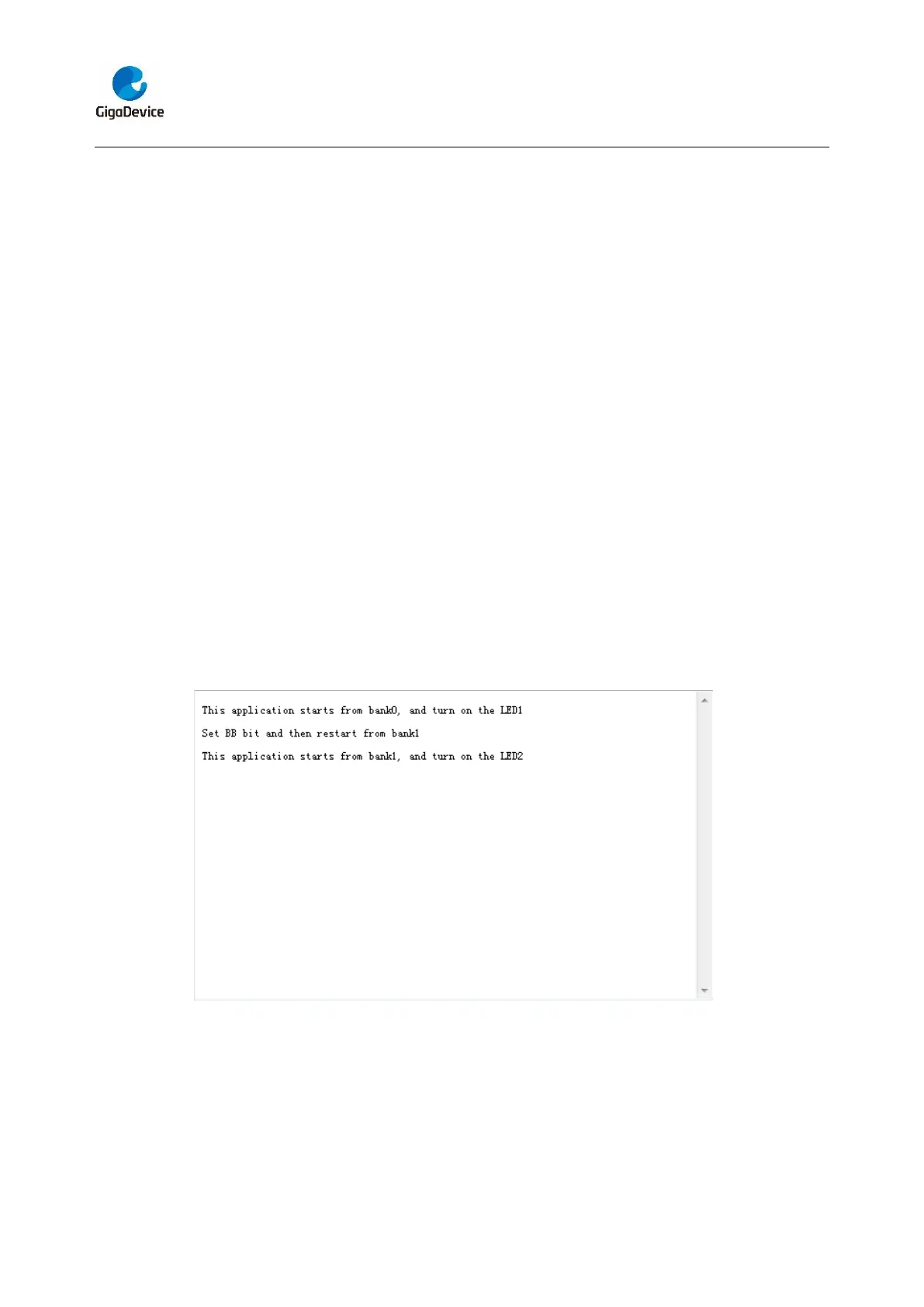
Jumper JP13 to usart0, open program <21_FMC_DualBoot>, and then select
“START_FROM_BANK0” or “START_FROM_BANK1” in the target selection box,
compile them and download them to the EVAL board and run. Connect the COM0 port
of the EVAL board to the computer and open the HyperTerminal. When the program is
running, the serial port software displays the bank area where the currently running
program is located. Each time the tamper key is pressed, the BB bit in the FMC option
byte will be flipped and a system reset will be generated. When the program boot from
bank0, LED1 will be lighten and the serial port will output relevant information. When the
program boot from bank1, LED2 will be lighten and the serial port will output relevant
information.
5.22. RTC_Calendar
5.22.1. DEMO purpose
This demo includes the following functions of GD32 MCU:
Learn to use RTC module to implement calendar function



 To Next Page