User Guide
GD32450Z-EVAL
44
mobile phone.
By default, the packet reception is polled in while(1). If users want to receive packet in
interrupt service, uncomment the macro define USE_ENET_INTERRUPT in main.h.
Note: Users should configure ip address, mask and gw of GD32450Z-EVAL-V1.1 board
according to the actual net situation from the private defines in main.h.
DEMO running result
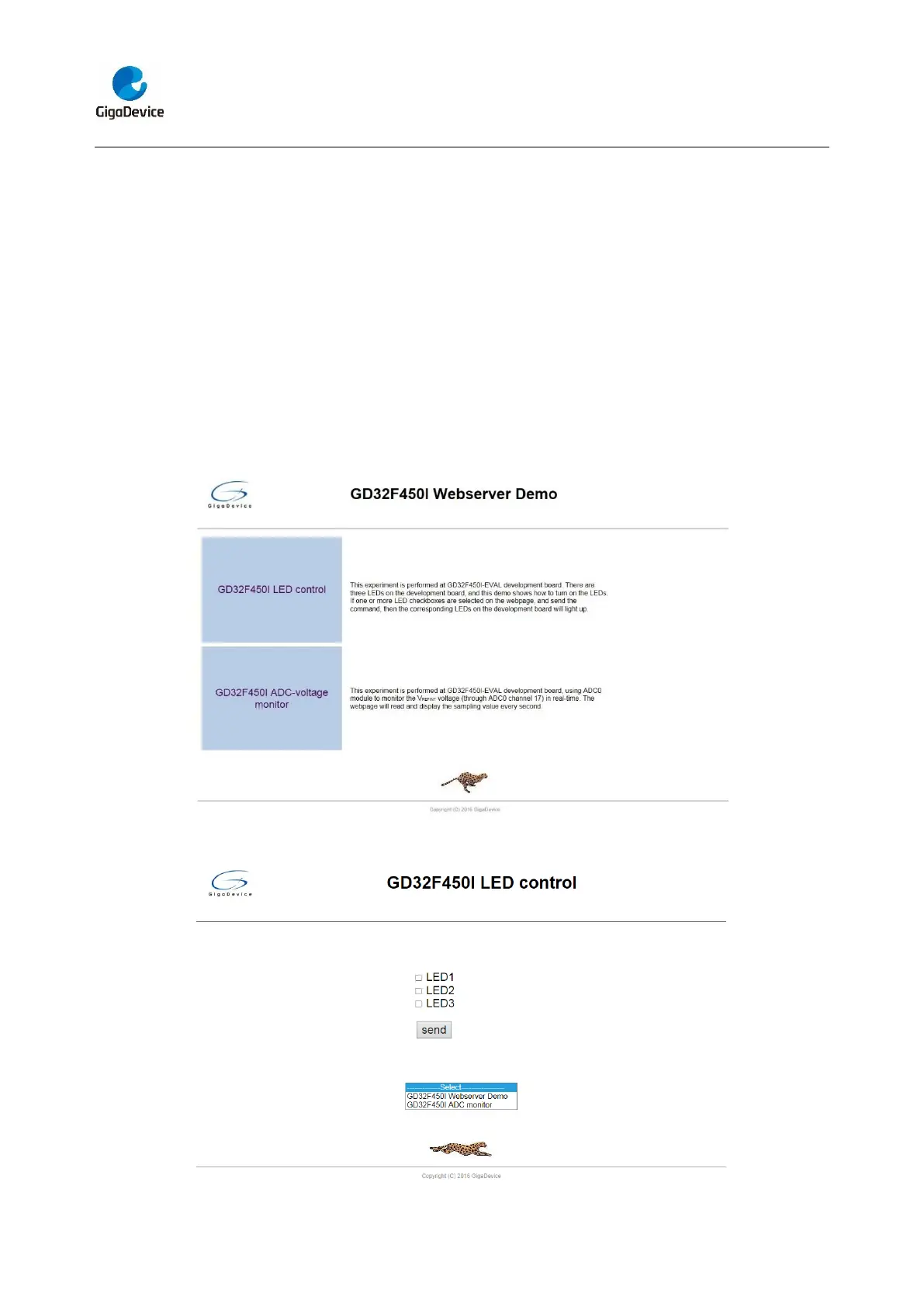
Download the program <Raw_webserver> to the EVAL board, using Internet Explorer
software, enter in the ip address of the board, click on the LED control linker, choose the
LED checkboxes users want to light, and “send”, the corresponding LEDs will light. Click
on the ADC monitor linker, the real-time V
REFINT
voltage is showed on the webpage, and
the data refreshes every second automatically.
The web home page shows as below:
The LED control page shows as below:



 To Next Page