User Guide
GD32450Z-EVAL
45
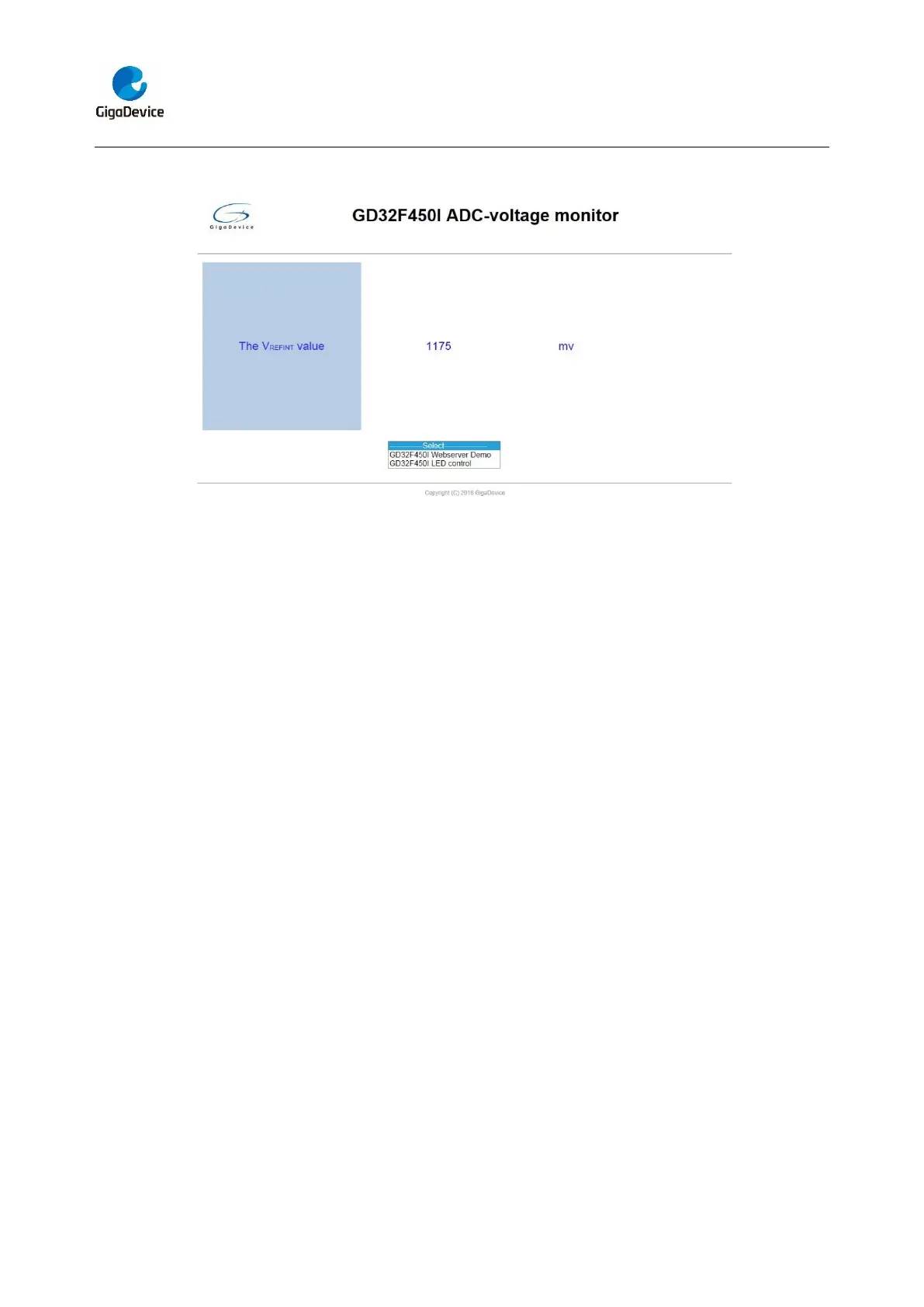
The ADC monitor page shows as below:
Open the DHCP function in main.h, using a router to connect the board, and use the
HyperTerminal to print the automatic allocated ip address, then connect your mobile
phone to the wifi which the router send. Users can visit the eval board and control it on
your mobile phone.
5.27. USB_Device
5.27.1. HID_Keyboard
DEMO Purpose
This demo includes the following functions of GD32 MCU:
Learn how to use the USBFS peripheral mode
Learn how to implement USB HID(human interface) device
GD32450Z-EVAL-V1.1 board has four keys and one USB_FS interface. The four keys
are Reset key, Wakeup key, User key and Tamper key. In this demo, the GD32450Z-
EVAL-V1.1 board is enumerated as an USB Keyboard, which uses the native PC Host
HID driver, as shown below. The USB Keyboard uses three keys(wakeup key, tamper
key and user key) to output three characters (‘b’, ‘a’ and ‘c’). In addition, the demo also
supports remote wakeup which is the ability of a USB device to bring a suspended bus
back to the active condition, and the wakeup key is used as the remote wakeup source.



 To Next Page