User Guide
GD32450Z-EVAL
46
DEMO Running Result
According to the VBUSIG bit in USBFS_GCCFG register, user can decide whether or not
to jump JP13 to USB_FS. Then connect the EVAL board to the PC through USB cable to
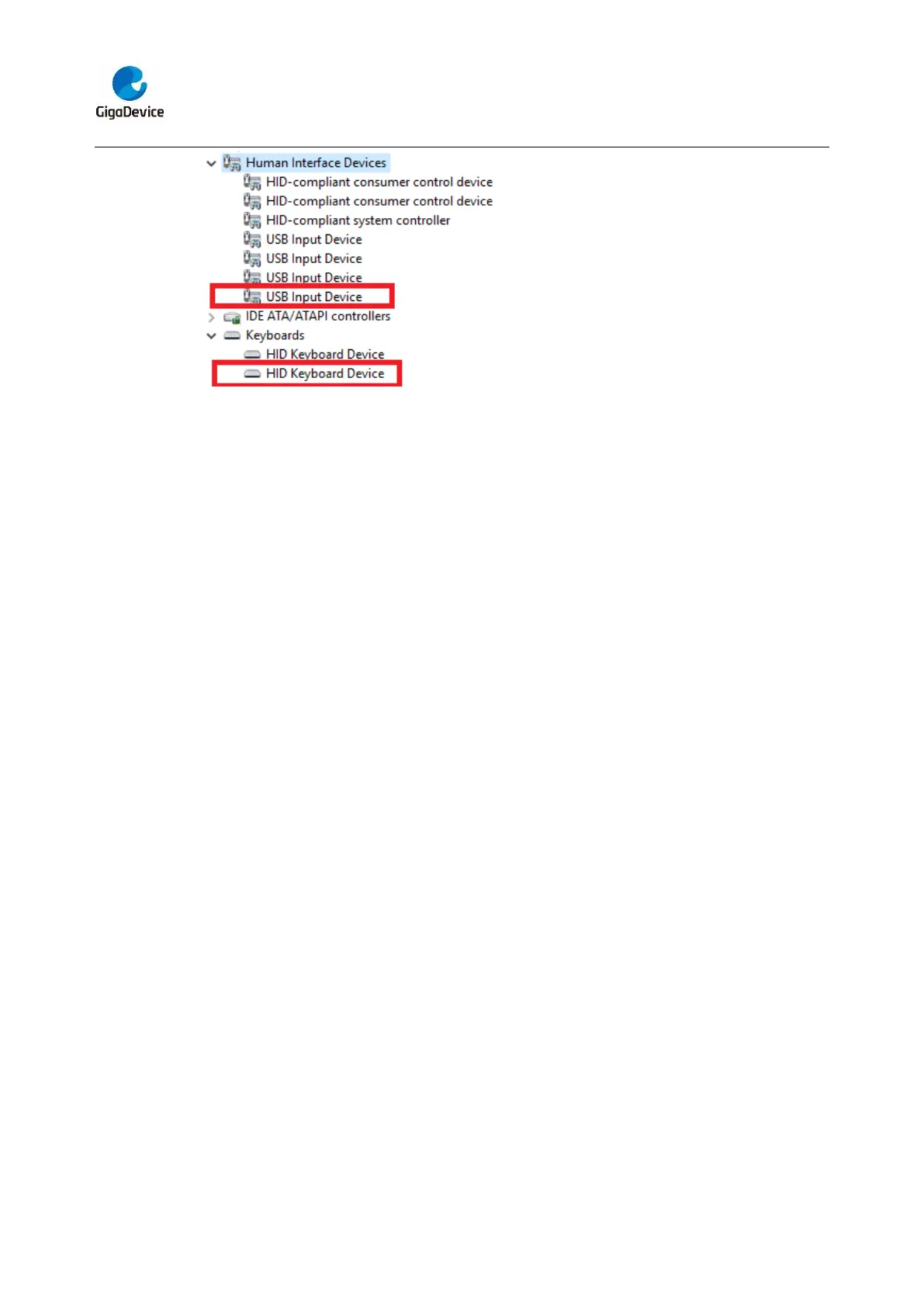
the USB_FS connector. After doing this, download the program <27_USB_Device\
HID_Keyboard> to the EVAL board and run. If you press the Wakeup key, will output ‘b’.
If you press the User key, will output ‘c’. If you press the Tamper key, will output ‘a’.
If you want to test USB remote wakeup function, you can do as follows:
- Manually switch PC to standby mode
- Wait for PC to fully enter the standby mode
- Push the Wakeup key
- If PC is ON, remote wakeup is OK, else failed.
5.27.2. MSC_Udisk
DEMO Purpose
This demo includes the following functions of GD32 MCU:
Learn how to use the USBFS/USBHS peripheral mode
Learn how to implement USB MSC(mass storage) device
This demo mainly implements a U disk. U disk is currently very widely used removable
MSC devices. MSC, the Mass Storage device Class, is a transport protocol between a
computer and mobile devices, which allow a universal serial bus (USB) equipment to
access a host computing device, file transfer between them, mainly including mobile hard
disk, mobile U disk drive, etc... The MSC device must have a storage medium, and this
Demo uses the MCU's internal SRAM as the storage medium. For more details of the
MSC protocol please refer to the MSC protocol standard.
MSC device will use a variety of transport protocols and command formats for
communication, so it need to choose the appropriate protocol and command format in
the realization of the application. This Demo selects the BOT (bulk only transport)
protocol and the required SCSI (small computer interface) command, and is compatible
with a wide variety of Window operating systems. Specific BOT protocol and SCSI
command specification please refer to the standard of their agreement.



 To Next Page