User Guide
GD32E507Z-EVAL
28/43
5.18. RCU_Clock_Out
5.18.1. DEMO purpose
This demo includes the following functions of GD32 MCU:
Learn to use GPIO control the LED
Learn to use the clock output function of RCU
Learn to communicate with PC by USART
5.18.2. DEMO running result
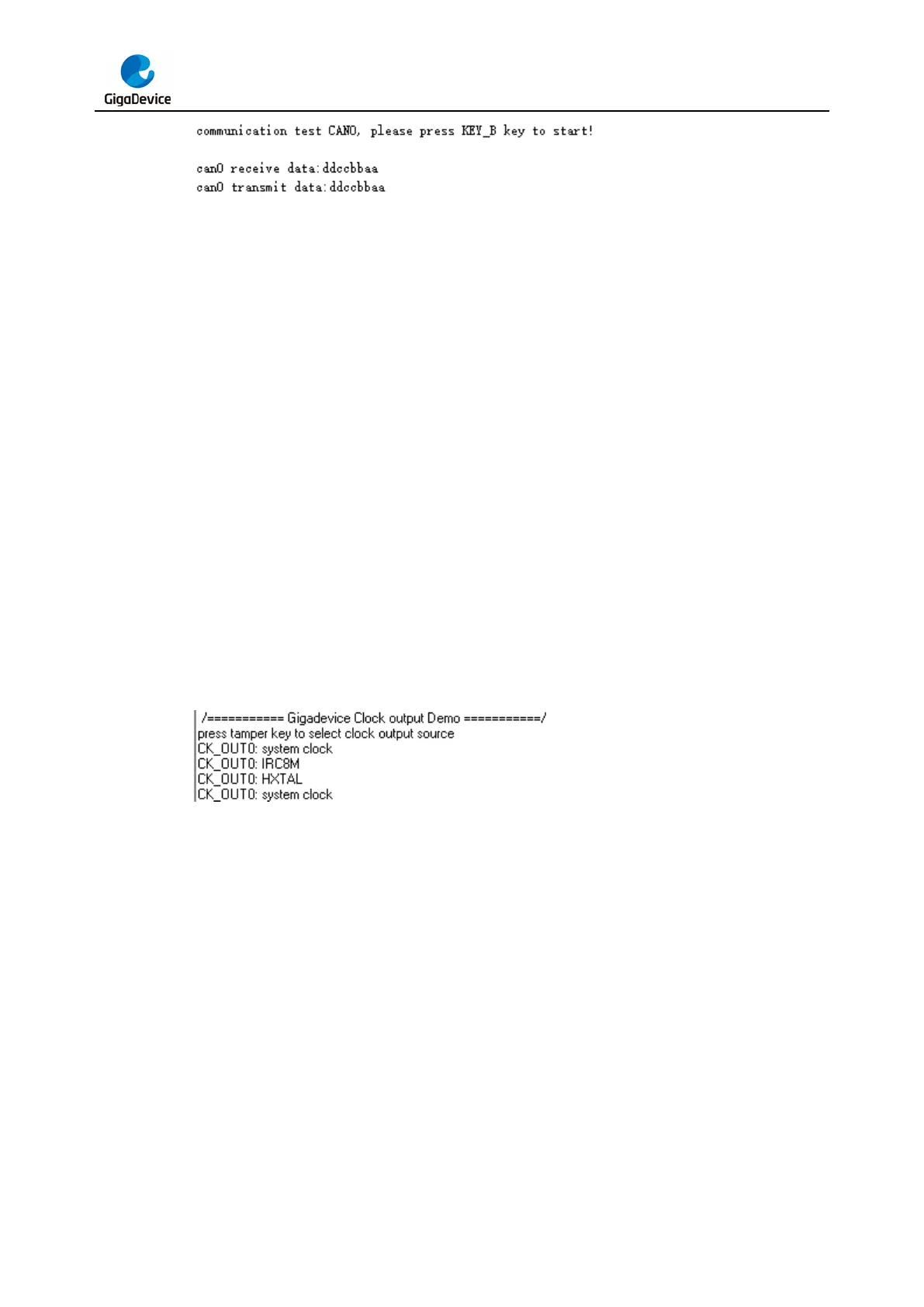
Download the program <18_RCU_Clock_Out> to the EVAL board and run. Connect serial
cable to USART0, open the HyperTerminal. When the program is running, HyperTerminal will
display the initial information. Then user can choose the type of the output clock by pressing
the KEY_D. After pressing, the corresponding LED will be turned on and HyperTerminal will
display which mode be selected. The frequency of the output clock can be observed through
the oscilloscope by PA8 pin.
Information via a serial port output as following:
5.19. CTC_Calibration
5.19.1. DEMO purpose
This demo includes the following functions of GD32 MCU:
Learn to use external low speed crystal oscillator (LXTAL) to implement the CTC
calibration function
Learn to use clock trim controller (CTC) to trim internal 48MHz RC oscillator (IRC48M)
clock
The CTC unit trim the frequency of the IRC48M based on an external accurate reference
signal source. It can automatically adjust the trim value to provide a precise IRC48M clock.



 To Next Page