6. Operation
6.3 Settings
The following submenus are displayed when the Settings menu is selected:
1. Set Time
2. Set Address
6.3.1 Setting Time
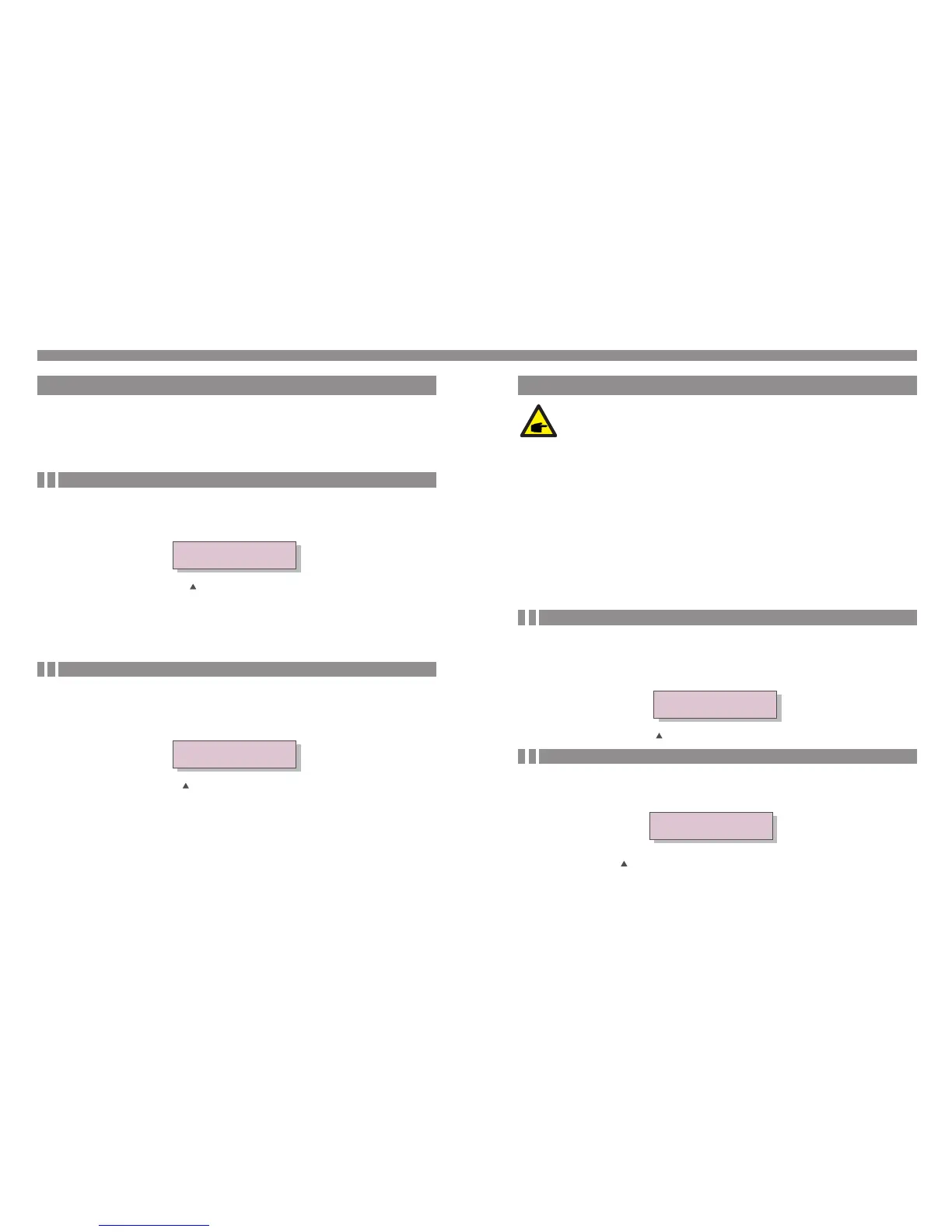
This function allows time and date setting. When this function is selected, the LCD will
display a screen as shown in Figure 6.3.
NEXT=<ENT> OK=<ESC>
01-01-2010 16:37
Figure 6.3 Set Time
Press the UP/DOWN keys to set time and data. Press the ENTER key to move from one
digit to the next (from left to right). Press the ESC key to save the settings and return to
the previous menu.
6.3.2 Setting Address
YES=<ENT> NO=<ESC>
Set Address: 02
Figure 6.4 Set Address
Press the UP/DOWN keys to set the address. Press the ENTER key to save the settings.
Press the ESC key to cancel the change and return to the previous menu.
This function is used to set the address of an inverter connected to PC for communication
purpose. The address number can be assigned from “01”to “99”(see Figure 6.4).
The default address number of Solis three phase inverter is “01”.
6. Operation
.23..22.
6.4 Advanced Info - Technicians Only
Select “Advanced Info.” from the Main Menu to display a screen and be able to access to
the following information.
1. Alarm Message
2. Temperature
3. Standard No.
4. Version
5. Communication Data
The screen can be scrolled manually by pressing the UP/DOWN keys. Pressing the ENTER
key gives access to a submenu. Press the ESC key to return to the Main Menu.
6.4.1 Alarm Message
The display shows the 10 latest alarm messages (see Figure 6.5). Screens can be scrolled
manually by pressing the UP/ DOWN keys. Press the ESC key to return to the previous
menu.
Alarm0: OV-G-V
Time: 27-11 Data: 7171
Figure 6.5 Alarm Message
6.4.2 Temperature
The screen shows the temperature inside the inverter (see Figure 6.6).
Figure 6.6 Temperature inside the Inverter
Temperature
046.6
℃
NOTE:
To access to this area is for fully qualified and accredited technicians only.


 To Next Page