6. Operation
6.4.3 Standard No.
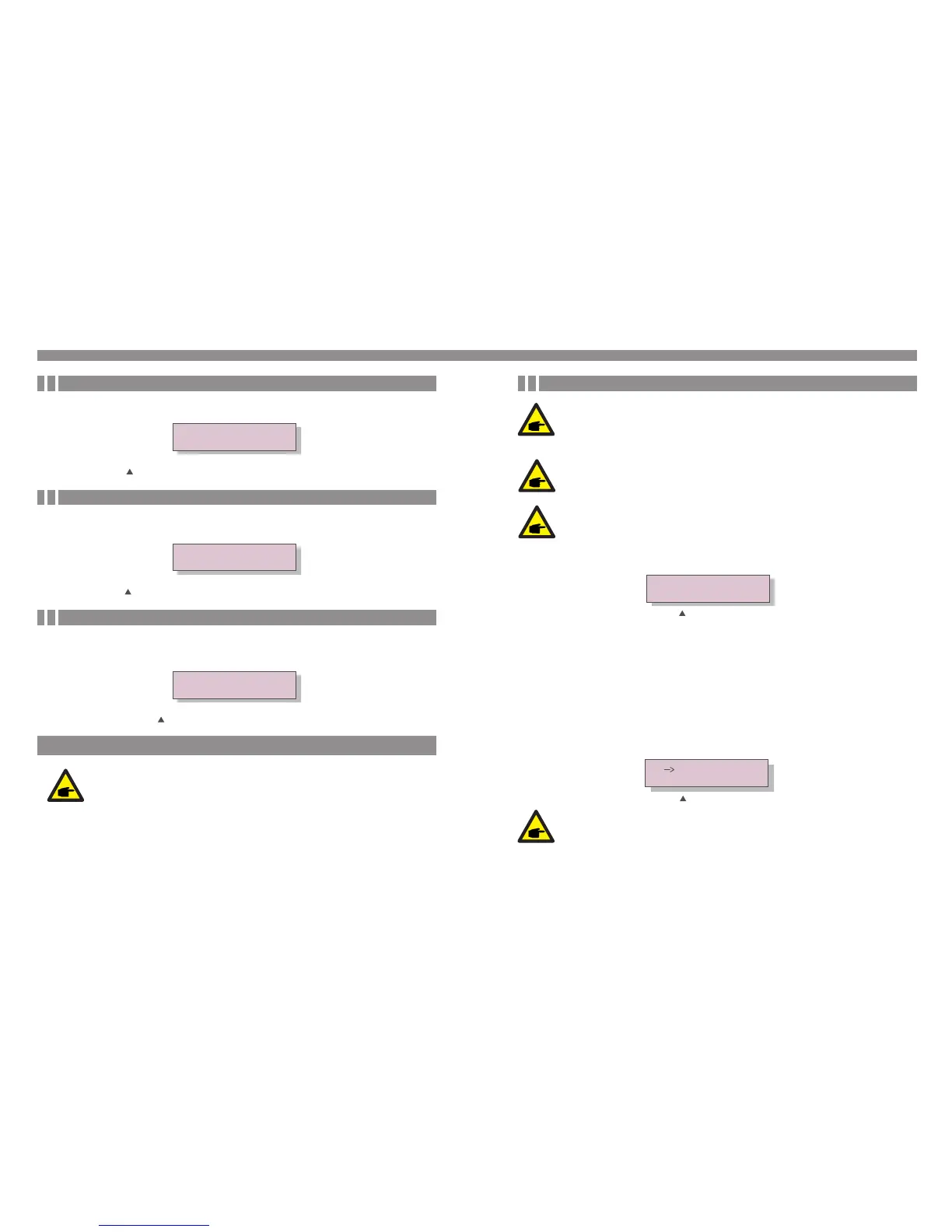
The screen shows the reference standard of the Inverter (see Figure 6.7).
Standard: VDE0126
Figure 6.7 Example of Standard of the Inverter
6.4.4 Version
The screen shows the model version and the software version of the Inverter
(see Figure 6.8).
Model: 08
Software Version: D20001
Figure 6.8 Model Version and Software Version
6.4.5 Communication Data
The screen shows the internal data of the Inverter (see Figure 6.13), which is for service
technicians only.
01-05: 01 25 E4 9D AA
06-10: C2 B5 E4 9D 55
Figure 6.9 Communication Data
6.5 Advanced Settings - Technicians Only
Select Advanced Settings from the Main Menu to access the following options:
1. Select Standard
2. Grid ON/OFF
3.Calibrate Energy
NOTE:
To access to this area is for fully qualified and accredited technicians only.
For technicians only.
6. Operation
.25..24.
This function is used to select the grid's reference standard (see Figure 6.10).
YES=<ENT> NO=<ESC>
Standard: G59/3
Figure 6.10
NOTE:
This function is for technicians use only.
NOTE:
Before to using this function, please set "GRID OFF" to stop inverter (refer
to Section 6.5.2).
NOTE:
The inverter is customized according to the local standard before shipping
to the customer. The " User-Def" function can be only used by the service
engineer and must to be allowed by the local energy supplier.
6.5.1 Selecting Standard
Figure 6.11
OV-G-V1: 440V
OV-G-V1-T: 1S
Selecting the User-Def sub menu will access to the following submenu (see Figure 6.11):
Below is the setting range for User-Def. Use this function can change the limits manually.
Press the UP/DOWN keys to select the standard (AS4777, AS4777_NQ, AUS-Q-0.9,
AUS-Q-0.8, VDE4105, VDE0126, UL-240V, UL-208V, MEX-CFE, G83/2, G59/3,
EN50438 DK, EN50438 IE, EN50438 NL, EN50438L, EN50438T and “User-Def”
function).
Press the ENTER key to confirm the setting. Press the ESC key to cancel changes and
returns to previous menu.
The standard AUS-Q-0.9 and AUS-Q-0.8 mean fixed the inverter output power factor
to 0.9 and 0.8. They are for Australia Energex and Ergon standard, please make sure the
setting is suitable for local requirement. Otherwise it could reduce the power generated.
The default setting for Australia is standard AS4777.
IMPORTANT NOTE for installation in Australia:


 To Next Page