§ 3.3 RTK Mode(Internal Radio)
§3.3.1 Base setup
Base station must be set up in the open field, the surrounding environment should be open,
the terrain should be higher. Do not set it up near high-voltage power transmission, transformation
equipment, near radio communication equipment antenna, or under trees and near water.
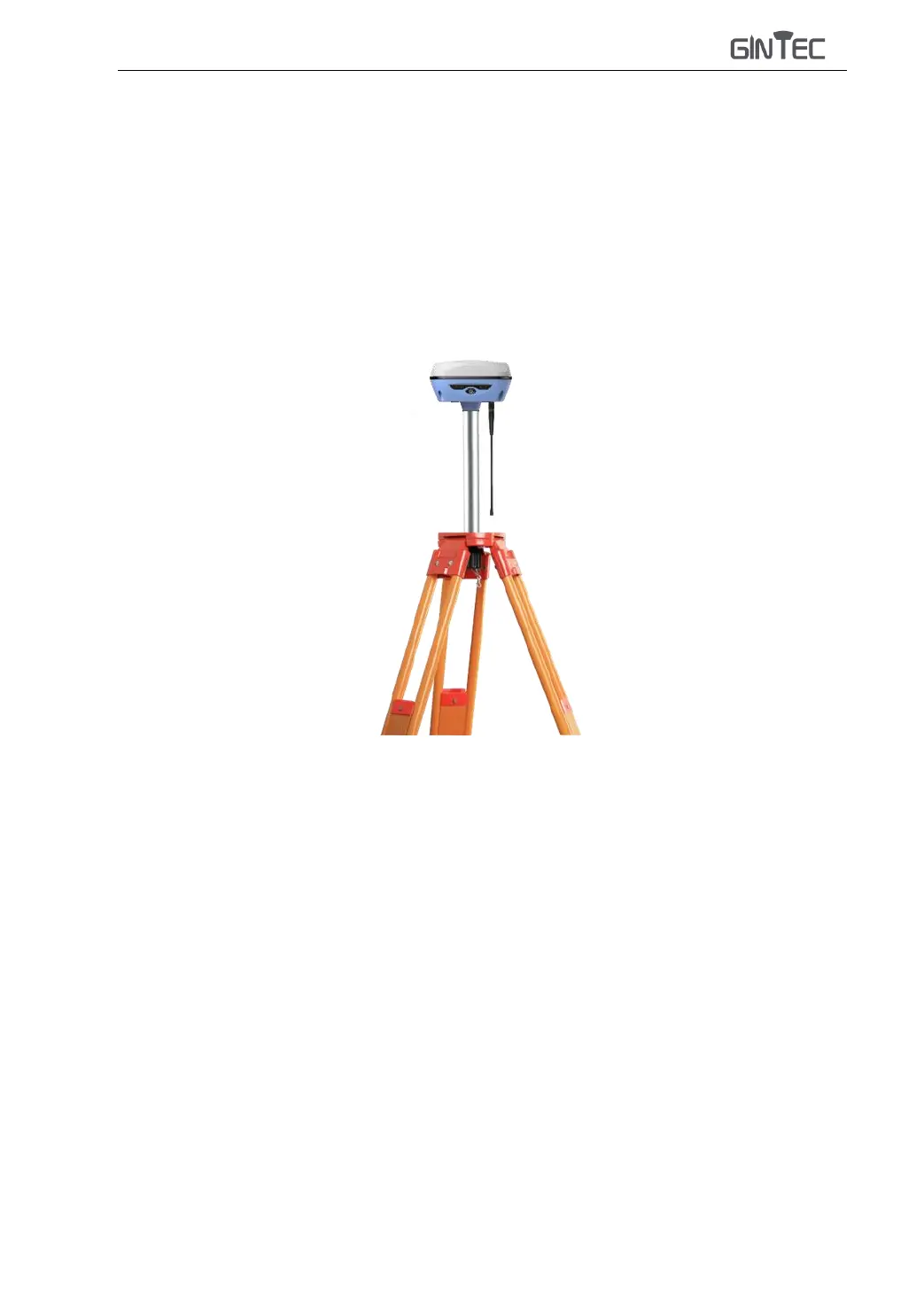
Set up the tripod as shown in the figure above, fix the G30, and connect the radio antenna.
§3.3.2 Starting Base
1) Open SurPad in the controller, Click “Device”→ “Base” to set Base station.



 To Next Page