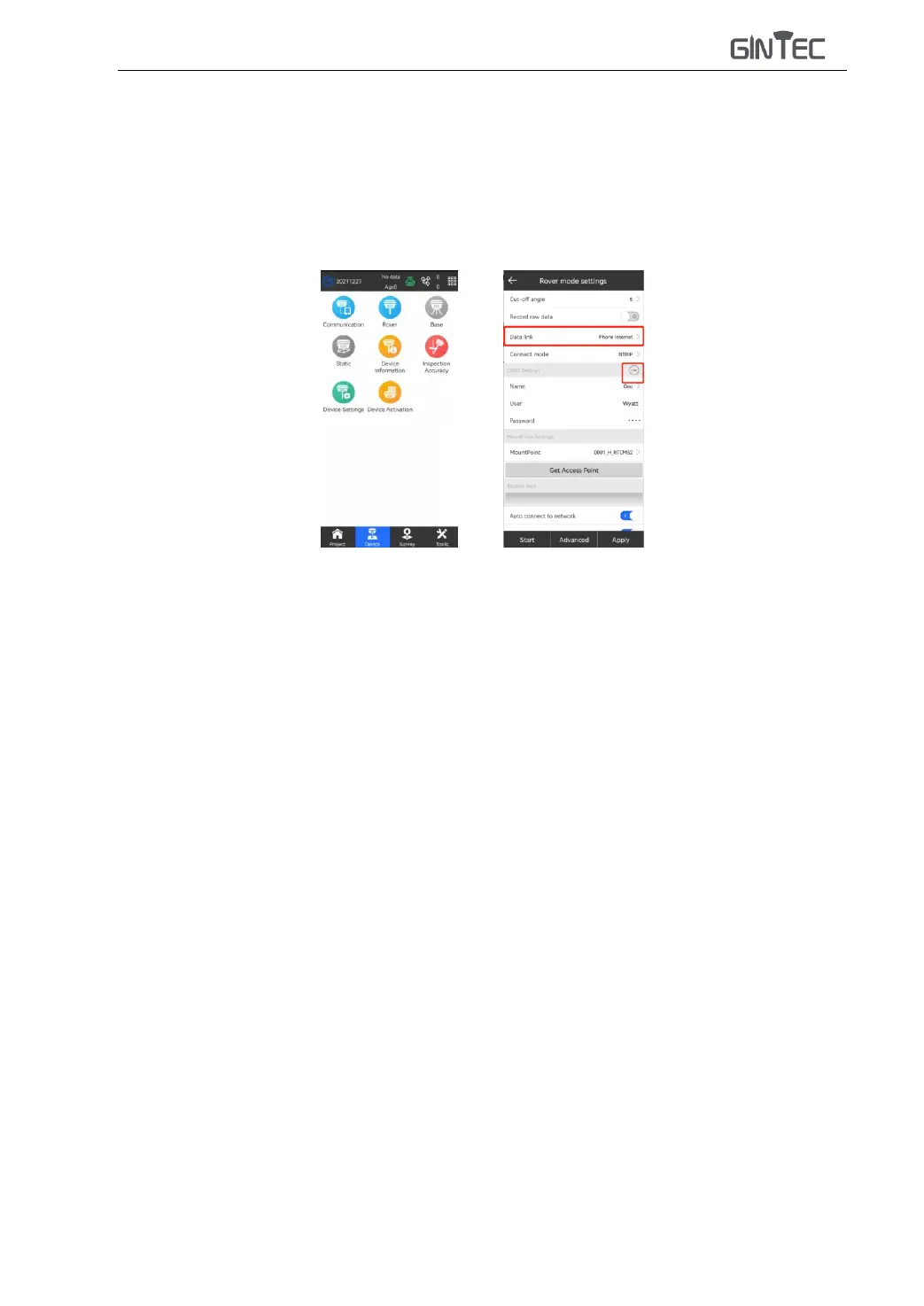
2) Clip “Device” - “Rover”, choose “Data link” as “Phone/Device Internet”(When use “Device
Internet”, please input the correct the APN setting as your mobile network service provider
ask for).
3) Clip “Cors Setting” and choose the same item as what your base used.
4) “Get Access Point” and choose the access point as your base setting. Clip “Apply” to start
rover.
4) When it shows “Fixed”, it is correctly setting, now you can start the surveying work.



 To Next Page