Start-up and installation
7
11.2020/V 2.3
2. Start-up and installation
To start up the Gira HomeServer, a general distinction must be made between two subject
areas:
– Setup and connection of the Gira HomeServer
– Function test and start-up
2.1 Device description
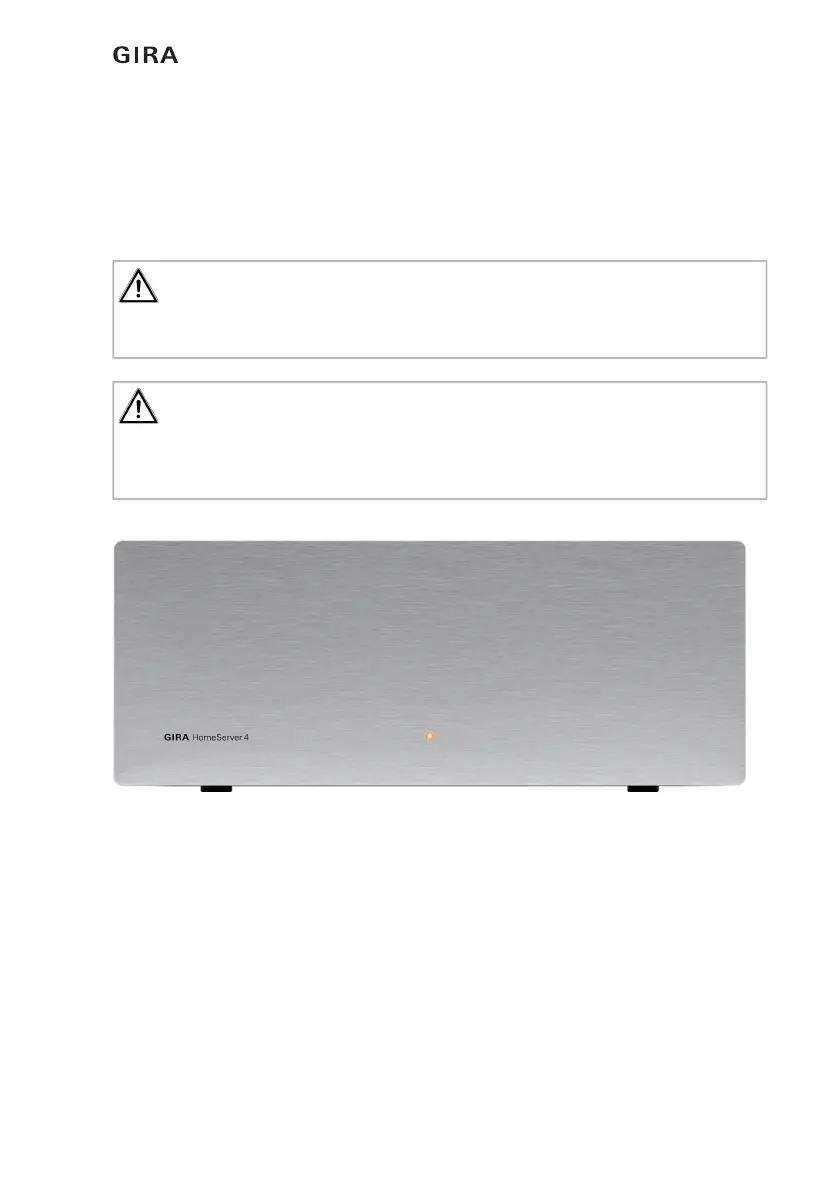
Fig. 1.1: Operating and control elements on the front of the Gira HomeServer
Control elements on the front of the Gira HomeServer and FacilityServer:
– Operating LED that lights up in red when the device is switched on.
Operating element on the front of the Gira FacilityServer:
– Reset button: the Gira FacilityServer is restarted without power interruption.
Important: start-up may only be carried out by a qualified electrician!
Connection and start-up of the device may only be carried out by trained and qualified elec-
tricians.
Important: check the current software version before installing!
Before installing the Expert setup, it is essential to download the current Expert setup from
https://download.gira.de. The software package contains the HS Expert setup software and
the firmware for the device.


 To Next Page