Push Button Operation
All control units as standard issue are confi gured to operate with push button operation featuring momentary
contact to open and constant contact to close, as such:
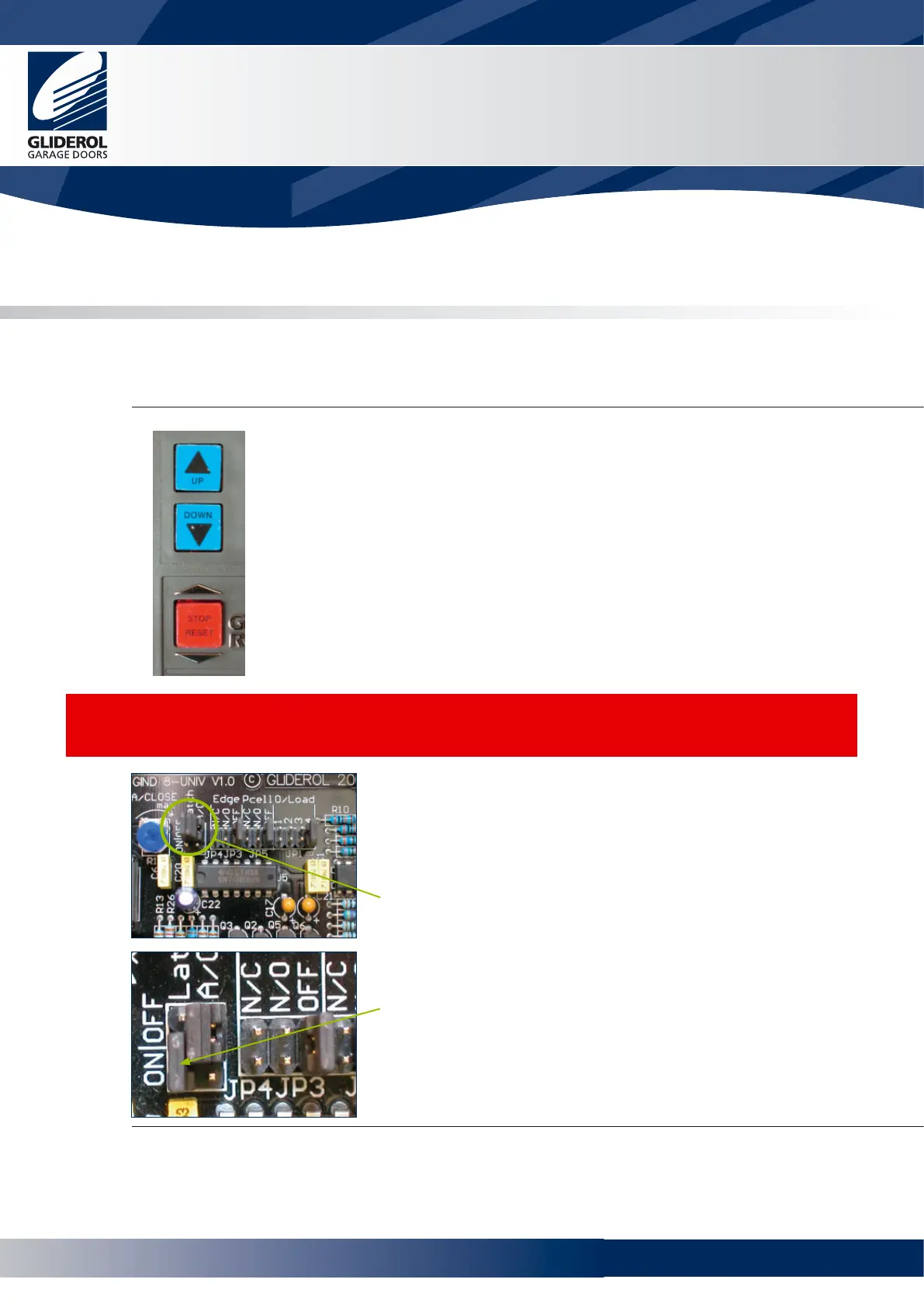
UP A single press will operate the door in the upward direction.
Always disconnect power to unit BEFORE making any setting changes.
CAUTION:
When enabling momentary contact closing operation it is essential that a supplementary safety device such
as a Sensing Edge or Photo Electric Cell be fi tted to prevent injury or entrapment. Once enabled for
momentary contact on close - the unit will not operate unless a supplementary safety device is fi tted and
the jumpers at JP3 and JP5 set accordingly. Refer to pages 9 and 10.
Glidermatic™
Commercial Door Operator
User Manual
7
DOWN Continuous pressure needs to be applied to the down button to
drive the door downward (Hold to run). Releasing this button will stop the door.
STOP/RESET Pressing this button will STOP the door
Momentary Contact on Close
It is possible to convert the push button operation to Momentary
Contact to Close from Constant Contact to Close.
This will enable a single press of the button to close the door.
To enable this, move jumper on JP4 Latch terminal from OFF to ON
Momentary Contact to Open
Constant Contact to Close
www.garagedoorsonline.co.uk



 To Next Page