Page 33SmartOne C User Manual Confidential & Proprietary Information
9100-0410-01 R2.4
INPUT SETTINGS TABS
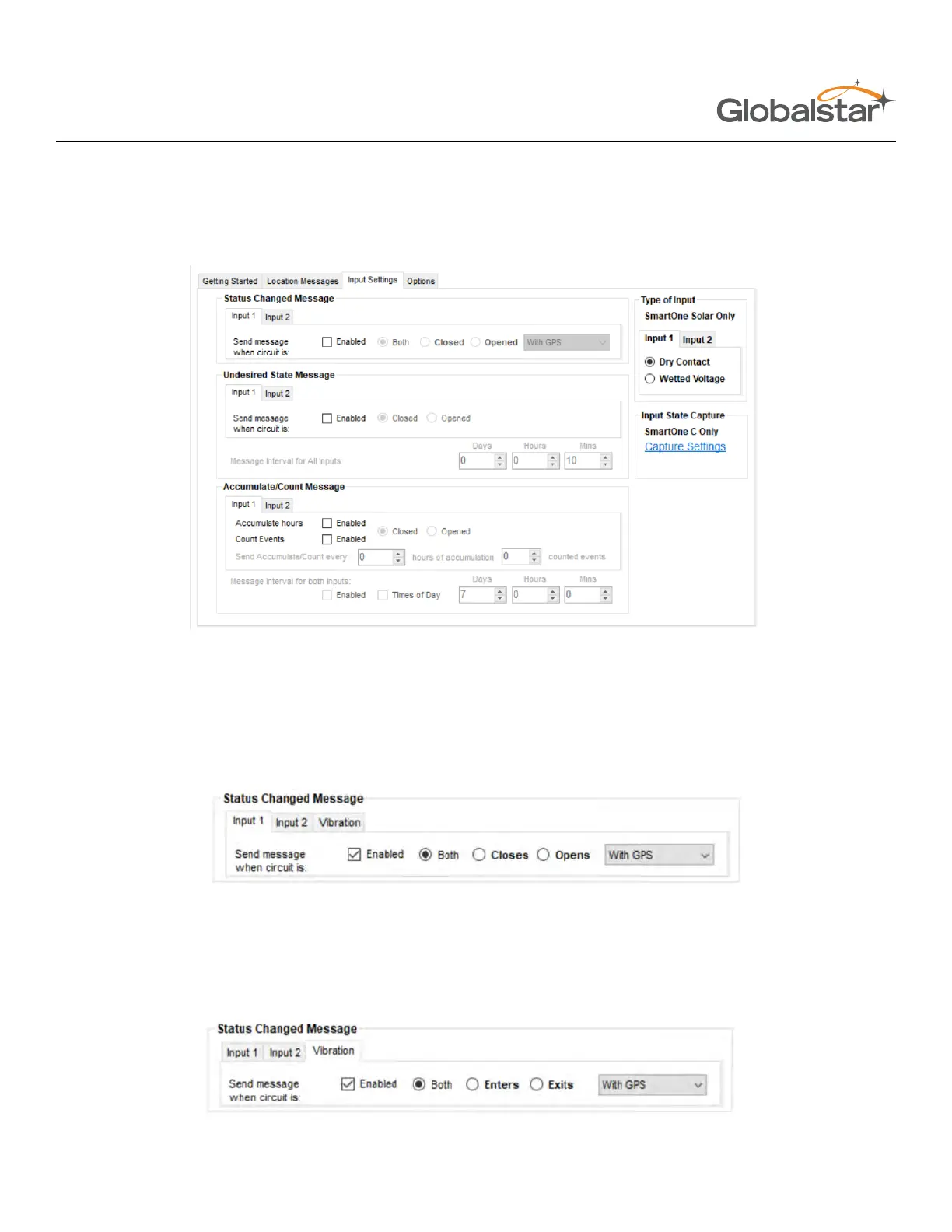
The Input Settings Tab allows a user to select either a Status Changed Message or an Undesired State Message for
each SmartOne Input. The program will not allow a user to select both types for each Input.
STATUS CHANGED MESSAGE
• Input 1/Input 2 - The SmartOne has two inputs that can be configured to send a Status Changed Message
once the selected input Opens, Closes, or Both. The Message sent can either contain or not contain the GPS
coordinates of the device at the time the status of the input(s) changed.
• Vibration - If Vibration is Enabled, the SmartOne can be configured to send a Status Changed Message once
the device enters vibration, exits vibration, or both. The Message sent can either contain or not contain the GPS
coordinates of the device at the time the status of vibration changed.



 To Next Page