· Clean and degrease the skin.
· Do not apply the electrode on wounds or injured skin.
· Connect the cable connector to the electrode connector.
· Remove the electrode.
· Apply on the skin.
· Start the program.
· At the end, turn off and put the electrode back in the package.
· Electrodes are for personal use.
· Do not remove the electrode by grabbing the connector.
· Electrodes should not touch each other.
· Do not apply the electrodes on the temples, the neck and in a transthoracic way.
· Do not leave the electrodes in the car.
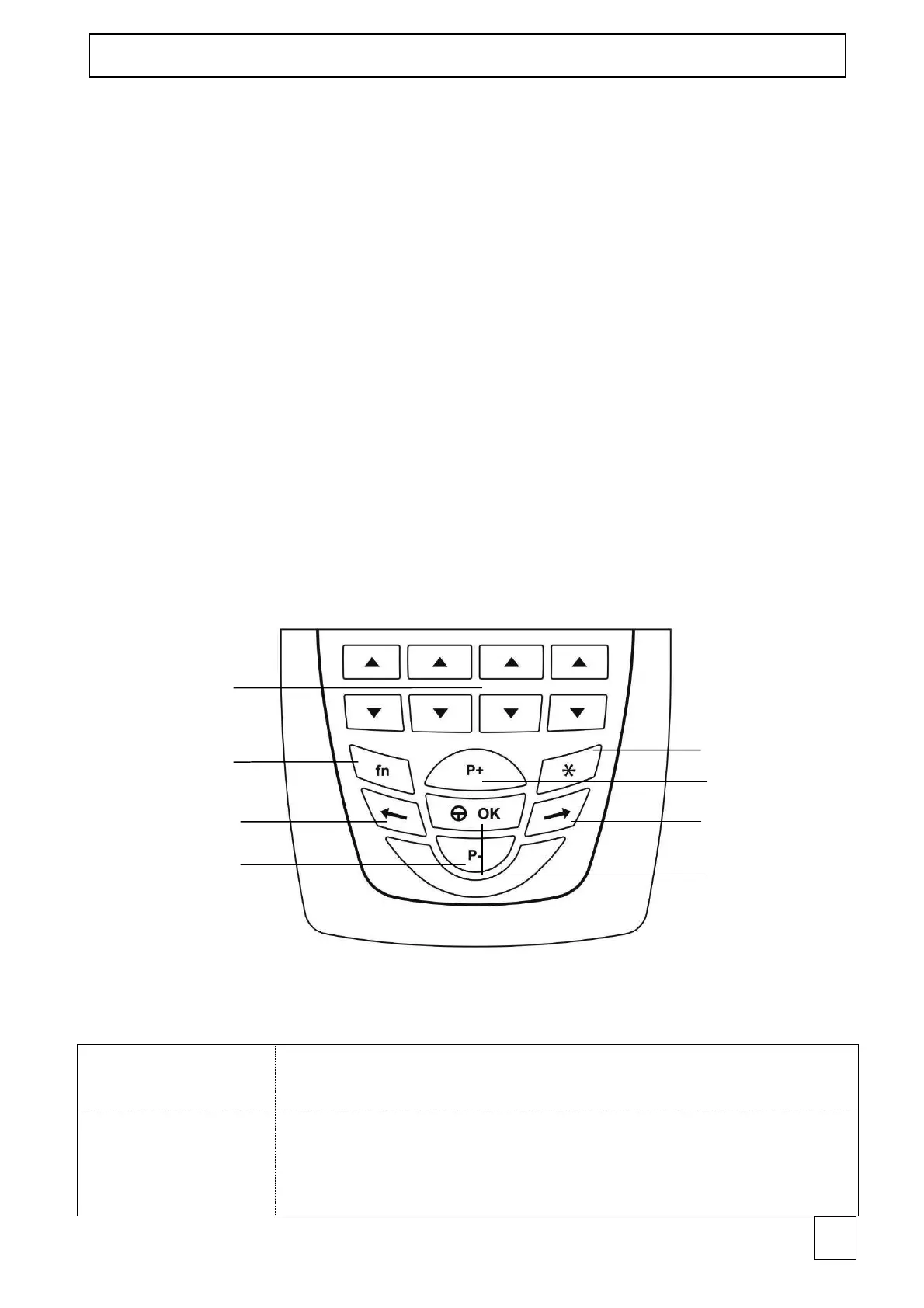
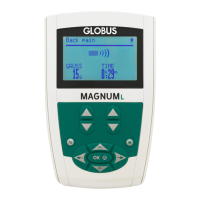
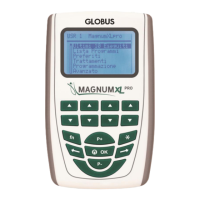
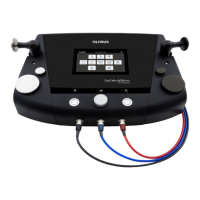
Panel and keyboard
NOTE: when the 3" message appears, it means that holding the button down for 3
seconds activates the function.



 To Next Page