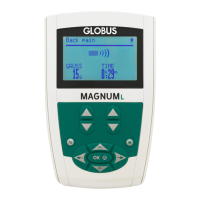
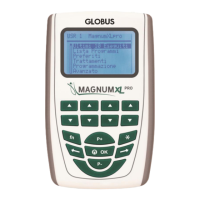
It moves the selection upwards.
It increases the intensity of the 4 channels simultaneously, while
a program is running
It moves the selection downwards.
It increases the intensity of the 4 channels simultaneously, while
a program is running
It moves the selection to the right.
3” = It moves to the next phase, while a program is running
It starts and stops the contraction while "Action Now" programs
are running (where "Action Now" programs are included).
If pressed together with other buttons, it permits the user to
modify their function. Moreover, it selects Runtime mode (editing
time, frequency and amplitude)
It increases/decreases the stimulation intensity of the
corresponding channel.
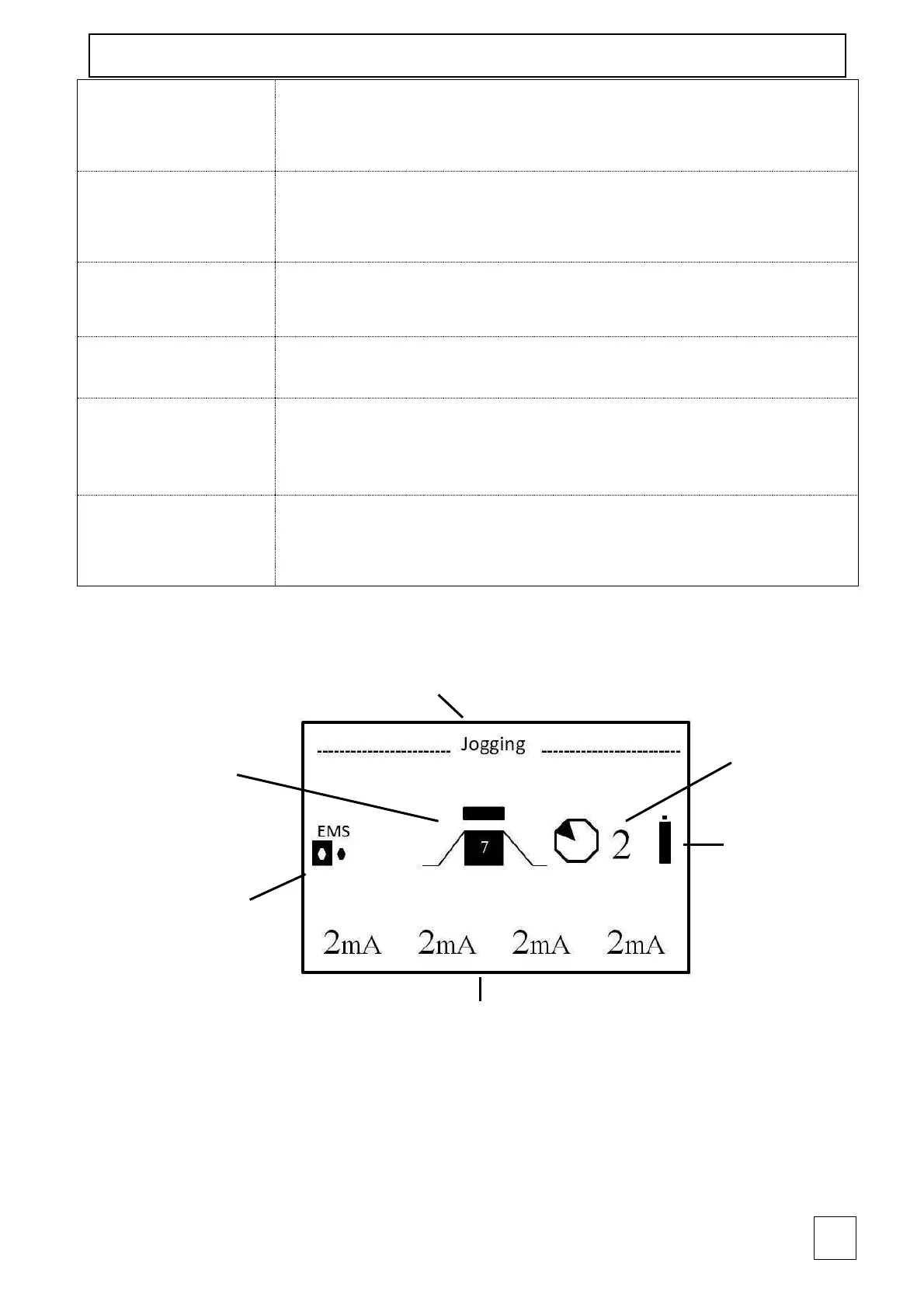
Current type,
number of phases
and running phase



 To Next Page