- Presence of ischemic tissues, wounds, skin or damaged or irritated mucosa, and/or in
presence of infections.
- Presence of contraceptive vaginal ring.
- After an invasive or ablative surgical intervention, which has not been totally cured.
- Patients subject to bleedings or using anticoagulants.
- In case of a weak immune system due to an immunosuppressive disease or while
using immunosuppressive medicines.
- Presence of overflow incontinence
- Presence of obliterated urethra.
- In case of atrophy of the involved orifice that may cause tissue injuries.
Side effects
Isolated cases of skin irritation or allergic reaction might occur in people with high skin
sensitivity.
If during the treatment signs of tachycardia and extrasystole appear, suspend the
treatment and contact your physician.
USER GUIDE
For a correct use of the device, proceed as follows:
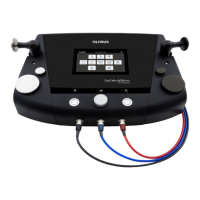
- connect the cables to the inlets on the unit;
- connect the electrodes to the specific connectors at the end of the cables;
- place the electrodes on the skin.
Start up
Hold the On/Off (OK) button down for about 3 seconds until a sound signal is heard.
The model name and software version will appear with a number on the lower right.
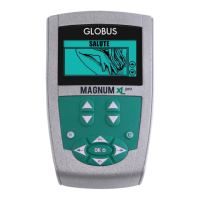
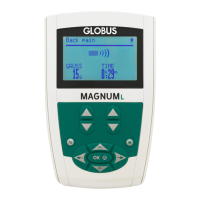
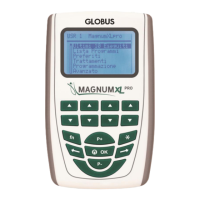
Depending on the model, different entries will appear. Use the P+ and P- buttons of the
joypad to choose your function in the main menu:



 To Next Page