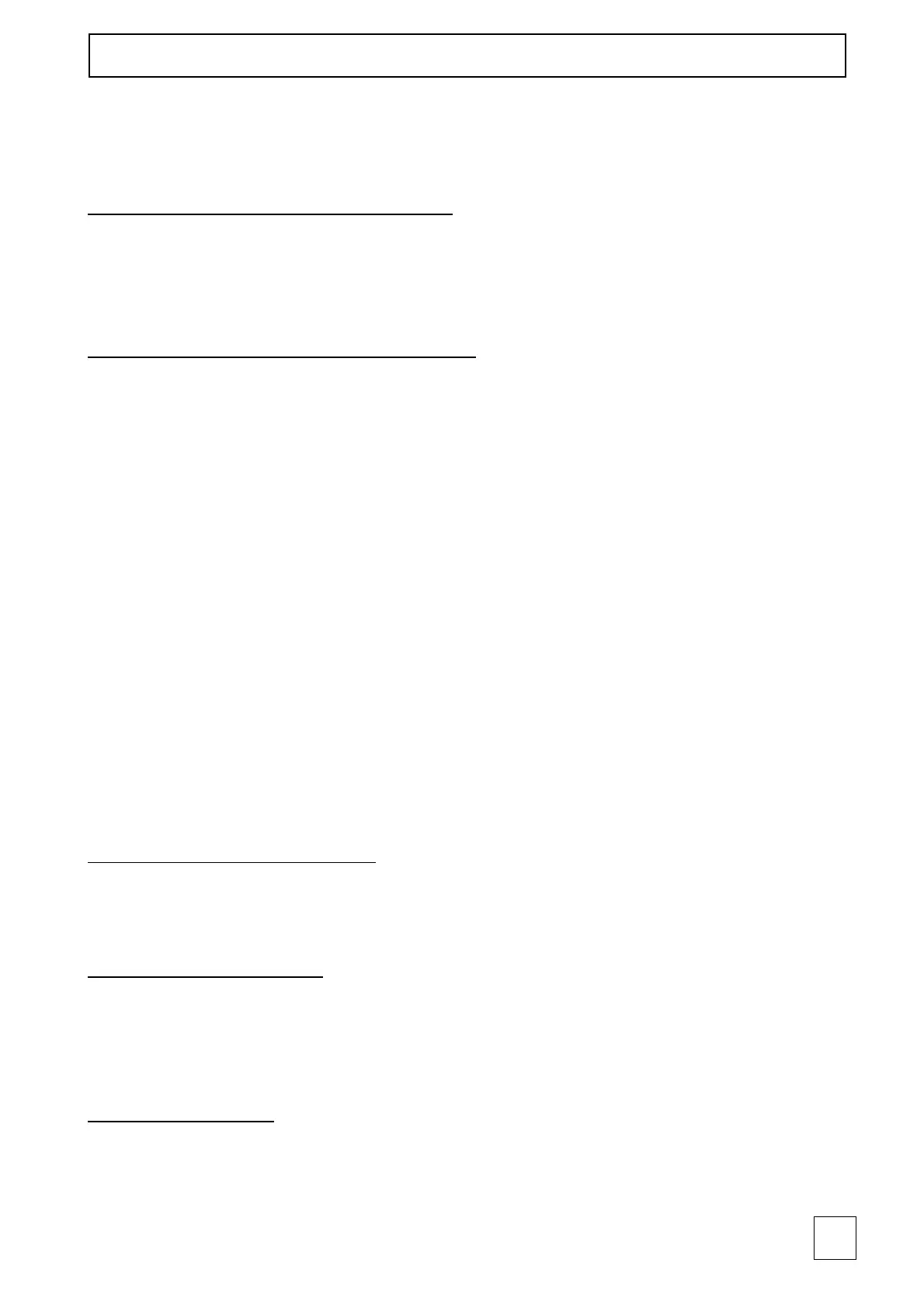
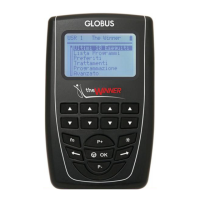
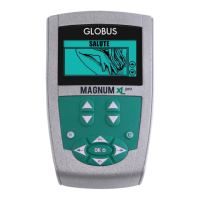
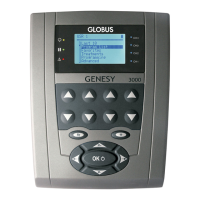
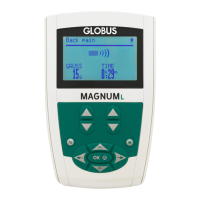
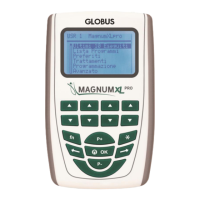
This function is especially thought for the rent of the unit to inexpert users and/or to
patients that have to carry out only some special programs that have been chosen by the
specialist.
Activation of the STIM LOCK function
Press and hold the buttons fn and --> (RIGHT button) for at least 3 seconds until the area
where the treatments have been saved appears. After the activation of the STIM LOCK
function, the unit will have limited functions.
Deactivation of the STIM LOCK function
Press and hold the fn and <-- buttons (LEFT button) for at least 3 seconds until the main
menu appears.
NOTE: If the main menu does not appear, when the unit has been turned on, verify that
the Stim lock function is not activated.
Try to deactivate it.
If the problem persists, contact the customer service.
“Programming” menu
The Electrostimulator offers the possibility to create/ modify new programs.
This makes the device highly flexible and adaptable to all users' requirements.
From the "Programming" menu it is possible to create new programs (when the message
EMPTY appears) and to execute already personalized programs. These programs can be
modified at any time (see the section "How to modify a program" below).
The programs created with this function are the same for all USERS and cannot be
stored in the "Last 10" menu nor in the "Favorites" menu.
How to create a new program
Use the P+ and P- buttons to select a number (from 1 to 10) for the program you wish to
create and confirm with OK.
Program name insertion
To name the new program, use the LEFT and RIGHT buttons to select letters and confirm
with OK. To delete a letter, move the cursor on “Delete”. After inserting the program
name, select “Continue”.
Parameters setting
STEP 1. Press P+ and P- buttons to select the type of stimulation desired.
STEP 2. Press P+ and P- buttons to select the program phase number.



 To Next Page