STEP 3. After setting the phase number of which the program is composed, different
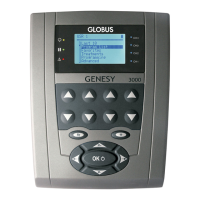
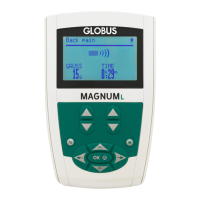
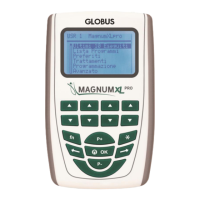
screens will appear where it is possible to select the desired parameters. Use P+ and P-
to carry out the selection.
The procedure executed until now is the same for every type of program you wish to
create.
If the program presents more phases, the next phase will be automatically proposed at
the end of the insertion of a phase.
NOTE: The programmed stimulation types vary according to the model.
How to modify or delete a program
Inside the “Programming” menu, it is possible to modify or delete the programs
previously stored.
Press and hold “fn” + P+” buttons to modify and “fn” + “P-“ to delete.
NOTE: it is not possible to set mixed multi-phase programs. (e.g. EMS+TENS program).
“Advanced” menu
The advanced menu is composed of the following entries:
Mode 2+2
The device permits to execute two different programs (Ems or Tens) at the same time,
permitting the simultaneously treatment of two patients or two muscular groups. How to
set multiple treatments
To execute simultaneously two different programs, there are two possibilities:
a. From the advanced menu selecting “Mode 2+2”*
b. From the “Program list” menu;**
* From the main menu, select "Advanced -- Mode 2+2" and confirm with OK.
Select the area and the name of the first program. Now, it is possible to select the name
and the area of the second program.



 To Next Page