** From the Program list” menu select the area and the desired program. Now select
“Continue with 2+2” and select the second program.
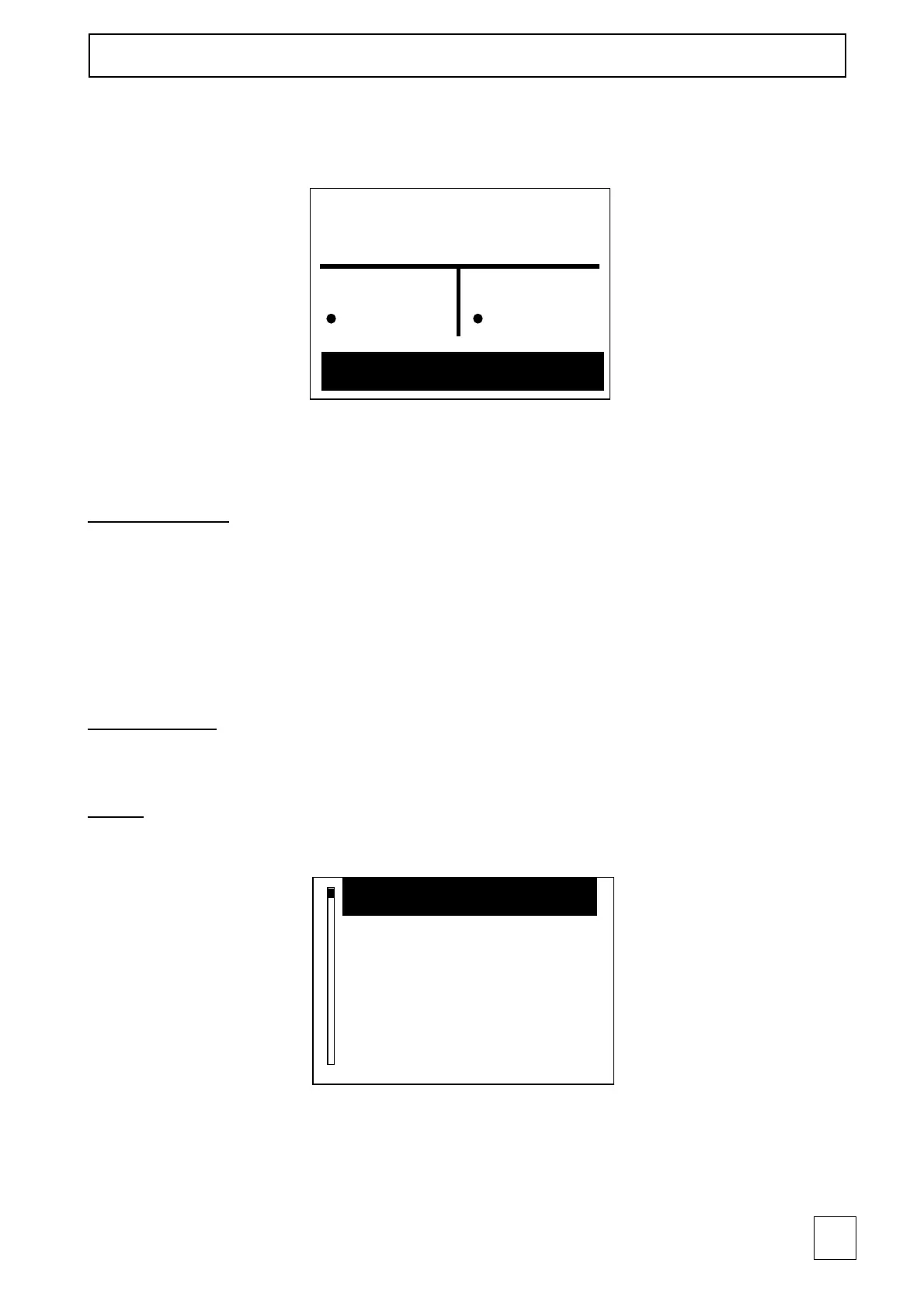
NOTE: During the Mode 2+2 the following screen will appear:
The program on the left works on channels 1 and 2, while the program on the right works
on channels 3 and 4.
User Selection
It permits to use the special menus ("Last 10", "Favorites") in a personalized manner.
To access to the favorite programs and to “Last 10” programs, the user should select
his/her own user. Only that specific user can use the programs stored in the “Favorites”
memory.
NOTE: Every time the device has been turned on, the last user will be displayed.
Working time
It indicates the total time the device has been used for stimulation treatments.
Setup
By selecting setup, the following screen will appear:
· “Backlight time” function
It permits to modify with the P+ and P- buttons the duration of the backlight during
the stand-by phases.



 To Next Page