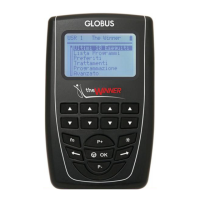
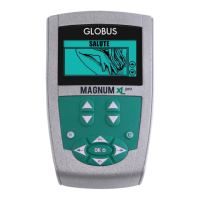
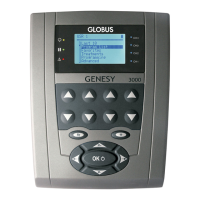
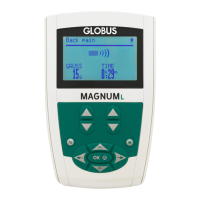
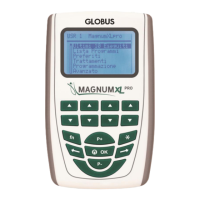
To increase/decrease the intensity of all channels simultaneously, press the P+ or P-
buttons of the keyboard.
Runtime function (how to change the working phase parameters)
Once a program has started, it is possible to modify:
- time
- frequency
- amplitude
To modify the parameters of the phase in progress, press the Function button. A new
screen appears and the phase time is highlighted.
Modify the time pressing the P+ and P- buttons of the keyboard.
The new time will be automatically confirmed after 5 seconds or by pressing the FN
button.
Move to the other parameters that you want to modify by pressing the LEFT/RIGHT
buttons and repeat the above mentioned process.
Visualization during a program execution
While a treatment is executing, the display shows the program name (top), the indicator
of the phase number and of the phase in progess, the remaining time of the phase in
progress and the type of the wave used (EMS, TEN, MICROC…) For programs with
intermittent stimulation, the working and the rest phase are graphically represented
together with the time countdown.
How to pause a program
To pause a program, press the OK button. Press OK again to return to the program. The
intensity indicators will start from zero every time you start or stop a treatment.
How to stop a program
If you need to stop a program before its end, turn off the instrument by pressing and
holding the OK button for about 3 seconds.
How to skip a phase
In order to pass to a next phase before the end of the one in progress, press and hold the
RIGHT button for 3 seconds.
To return to the previous phase, press the left (back) button for 3 seconds.



 To Next Page