10SYSTEM FUNCTIONS
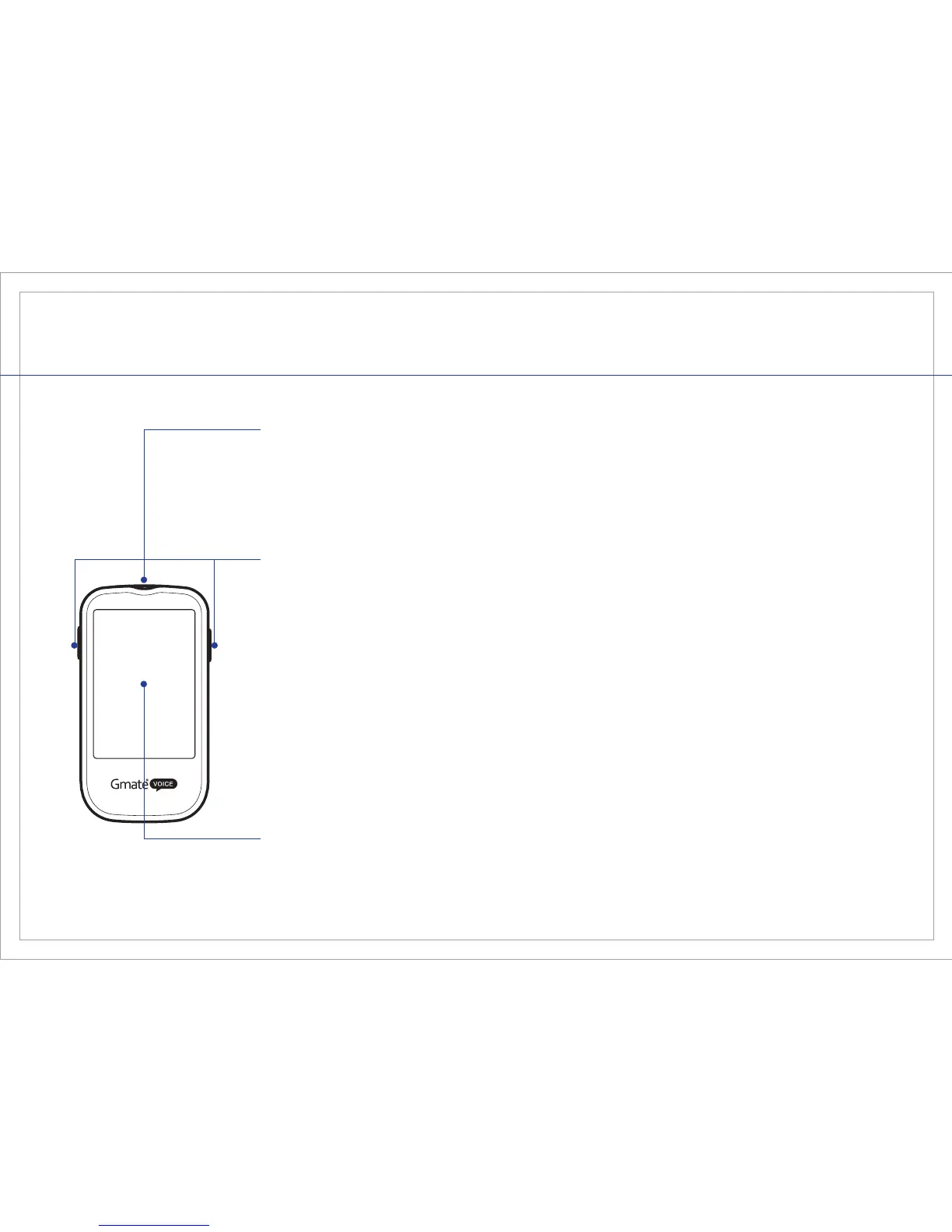
Front View
Large LCD screen displays test results and other information.
Test Strip Port
Buttons
Display Screen
The two side buttons power the Gmate® VOICE Meter on/off, recall the
stored test results in memory, change the meter modes, and adjust
various other features in the meter such as the date, time, alarm, timer,
and language settings. Please refer to the section in this Gmate® VOICE
User Manual (see page 14) for a complete explanation of how to use and
set your Gmate® VOICE Meter.
Insert the end of a Gmate® Test Strip into the test strip port to begin a
blood glucose test. The Gmate® VOICE Meter will automatically power on
when you insert the test strip.



 To Next Page