14SETTING THE METER
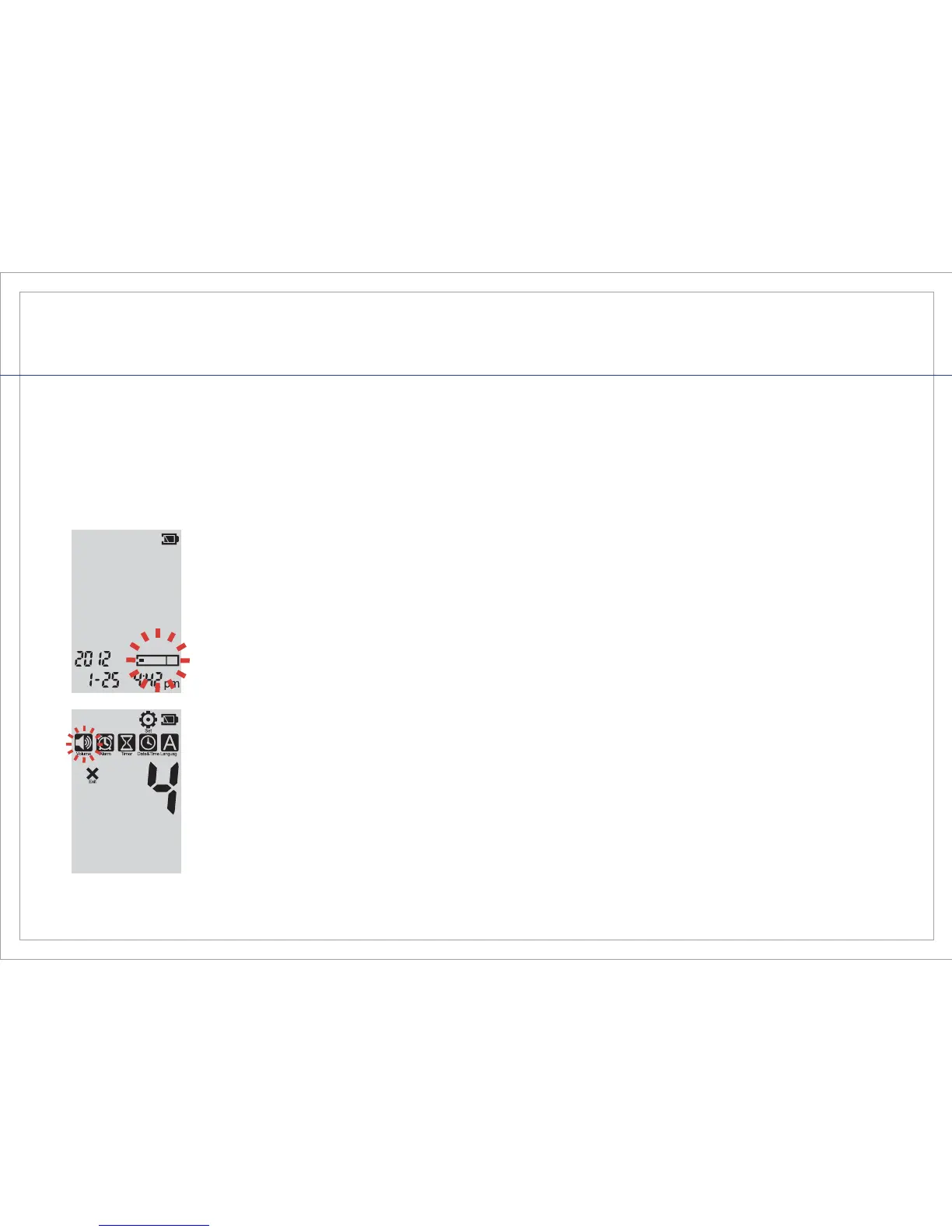
The Gmate® VOICE Blood Glucose Monitoring System has ve user settings: Volume, Alarm,
Timer, Date & Time, and Language. The Gmate® VOICE meter is pre-set to the English language
and Eastern Standard Time (USA).
Power on the meter by pressing either the left or right button.
To enter the “Set” mode, push both buttons (on the left and right side)
simultaneously and release quickly. The Volume, Alarm, Timer,
Date & Time, and Language settings will appear on the screen.



 To Next Page