52
TROUBLESHOOTING
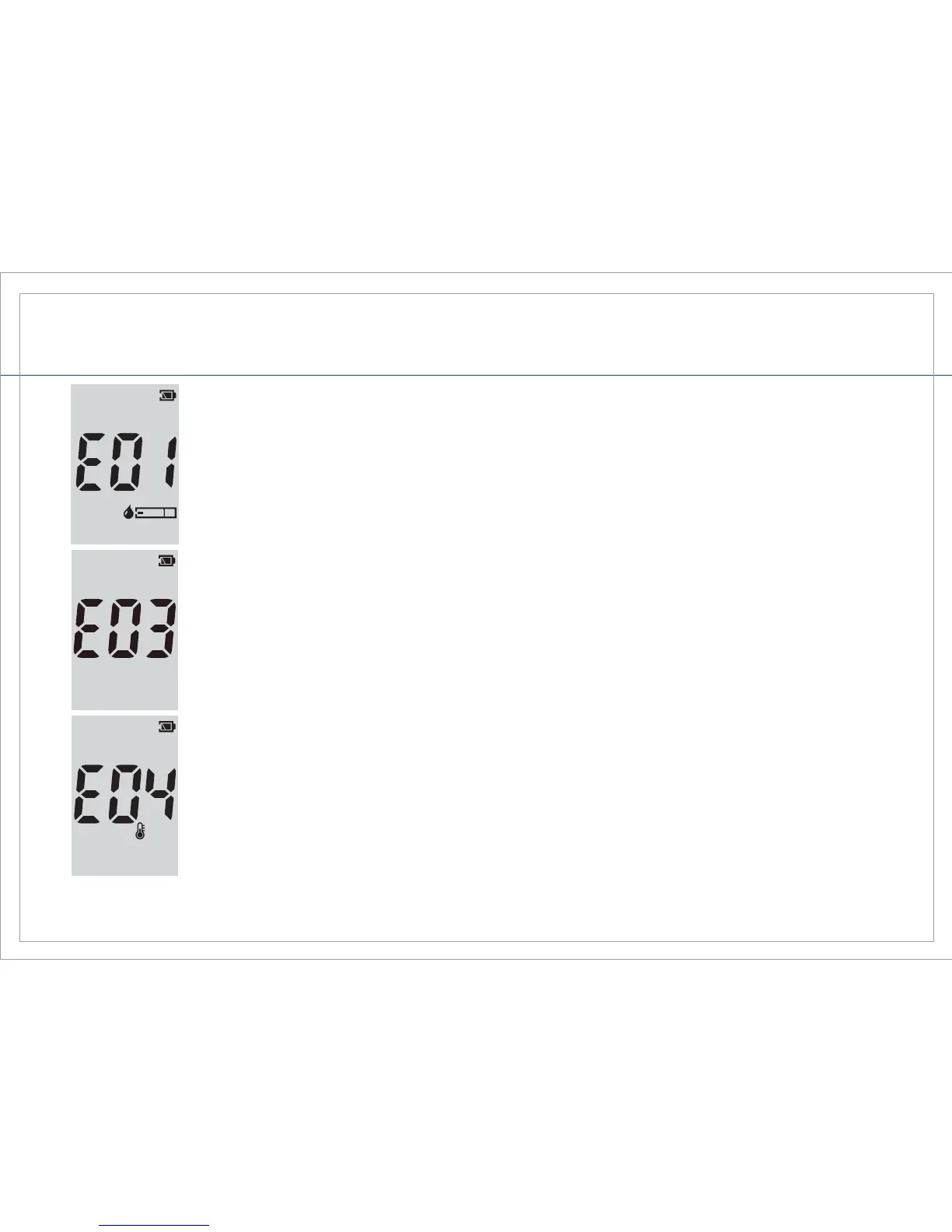
Indicates that there may be a possible meter malfunction. Review the
instructions and re-test with a new test strip. If this message appears
again, contact Customer Service Support at 1-885-GO-GMATE
(1-885-464-6283) or your local distributor.
Indicates that the environmental temperature is ABOVE or BELOW the
system operational range. System operational range is 50°F – 104°F
(10°C – 40°C). Repeat the test after the meter and test strip have reached
the correct temperature range.
Error Messages
Indicates a used test strip has been inserted. Re-test with a new test strip.



 To Next Page