STEP 1
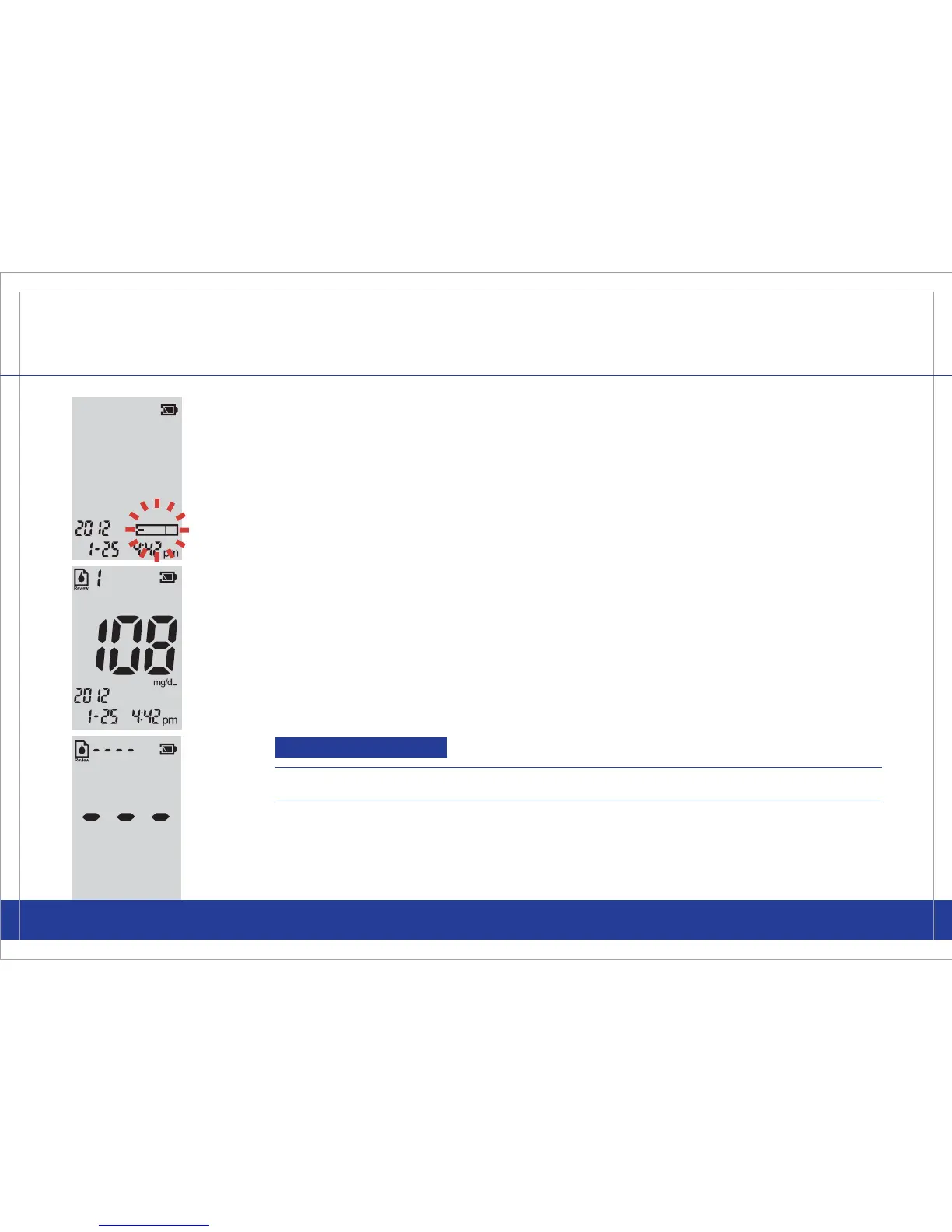
If the meter is off, press and release either button to power the meter on.
The screen will display the date, time, and the test strip symbol will begin
to blink.
39
REVIEWING RESULTS
Call Customer Service Toll Free at 855-GO-GMATE (855-464-6283) / 24 hours a day, 7 days a week.
www.Gmate.com
Important
If there are no results stored in memory, the meter will display “- - -”.
STEP 2
Press and release either the left or right button. You are now in the
“Review” Mode. The memory number and the last glucose test result that
was done will automatically be displayed with the date and time.
To Enter the Review Mode



 To Next Page