STEP 3
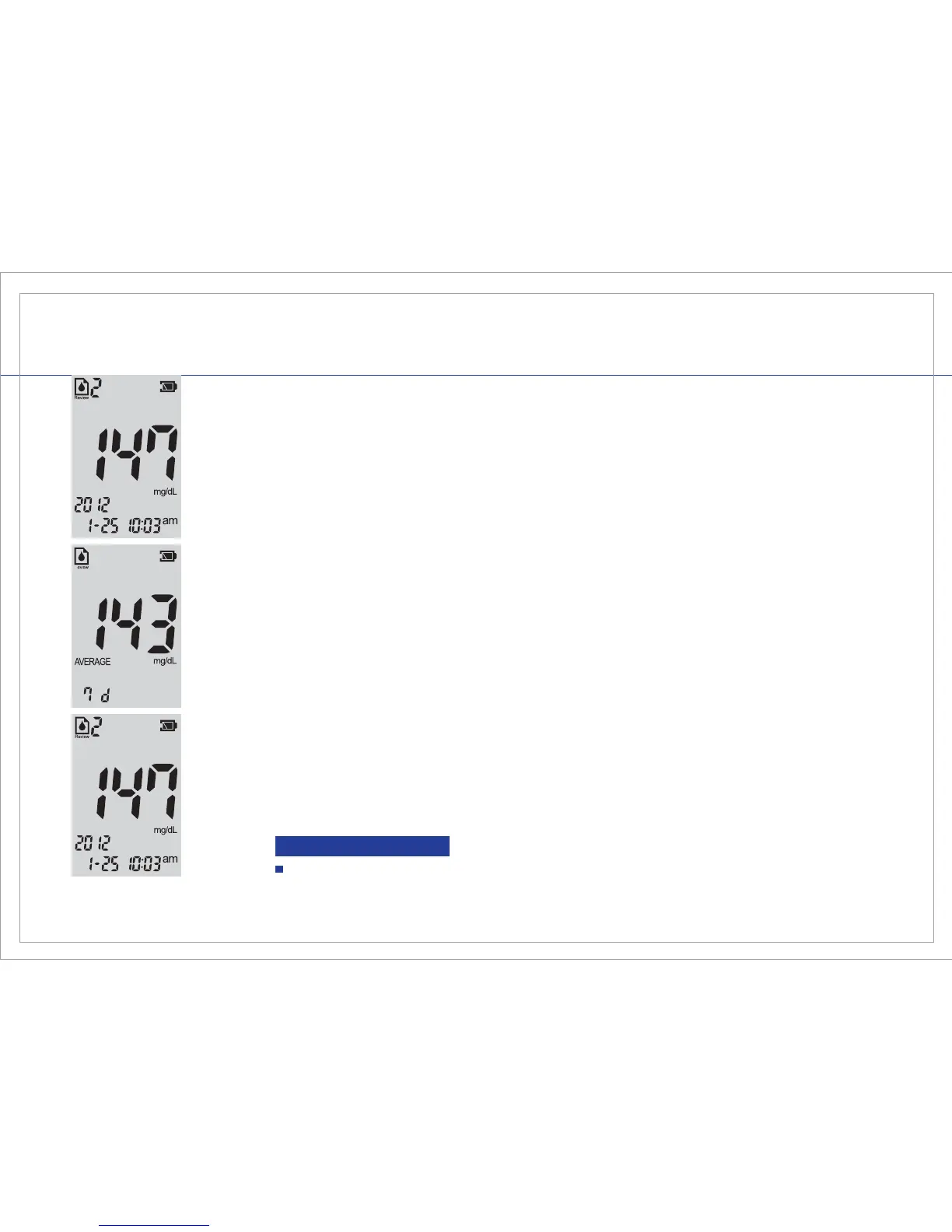
To view older test results, press the right button on the meter. To go back and
view your current test results, press the left button on the meter. The most
current test result will always be stored in memory Review as 1. The older the
test result, the higher the memory Review number. The Gmate® VOICE Meter
stores up to 5,000 test results.
STEP 5
To switch between Review Mode and Average Mode, press and release both
the left and right buttons together. To exit the Review or Average Mode, press
both the left and right buttons together for 2 seconds.
STEP 4
To Enter the Average Mode
To view your glucose test result Averages: Press and release both the left and
right buttons together. Your 7 day average will display. Press and release
either the left or right button to view your 7-day, 14-day and 30-day averages.
Note: The Average function will only display the average test result stored in
memory within the recent 7-day, 14-day, and 30-day.
40
REVIEWING RESULTS
To scroll quickly, press and hold either the left or right button.
Tip



 To Next Page