16SETTING THE METER
Setting the Volume
STEP 1
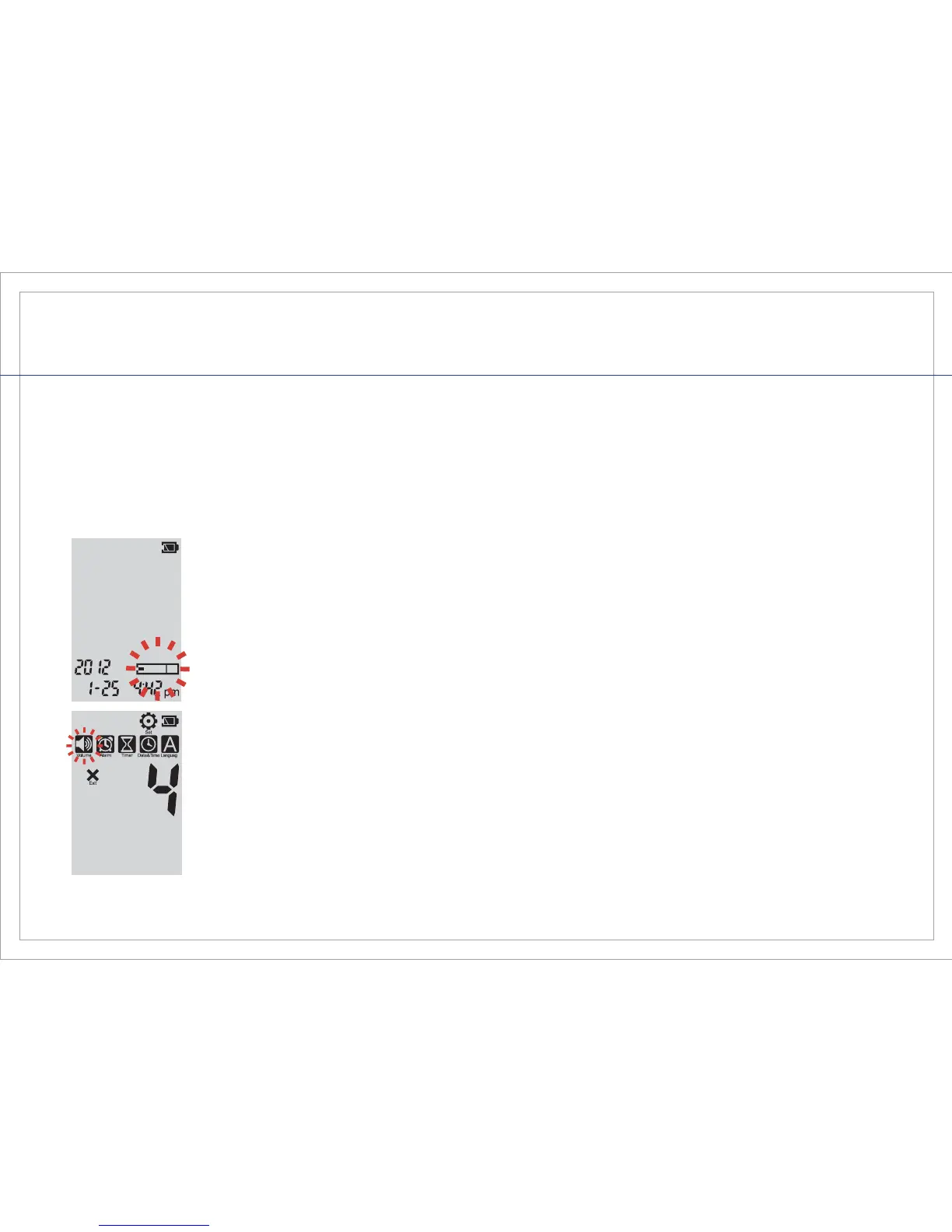
If the meter is off, press and release either button to power the meter on.
The screen will display the date, time, and the test strip symbol will begin
to blink.
STEP 2
Quickly press and release both left and right buttons together. You are
now in the “Set” Mode and the “Set” symbol appears at the top of the
screen with the different settings appearing below.
The volume is automatically pre-set to level 4 for your convenience.



 To Next Page